Better photo engravings start here.

Laser DaSH-IT for Windows

Bring your photo, your material and your next big idea.
Prepare images, build on proven donor references, compare calibration proofs and carry your work into supported LightBurn-ready exports. A guided workflow helps you spend less time wondering what to do next.

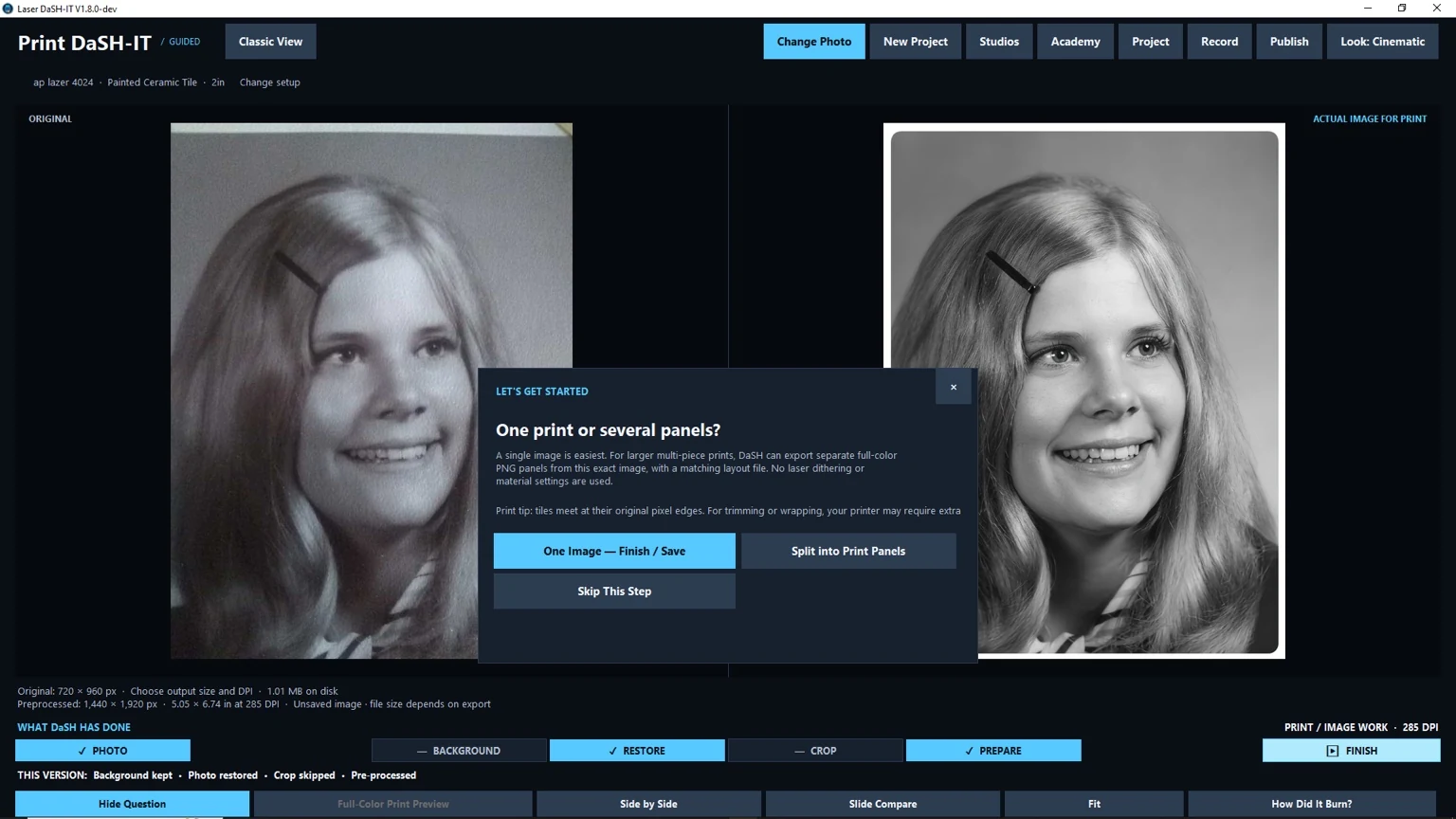
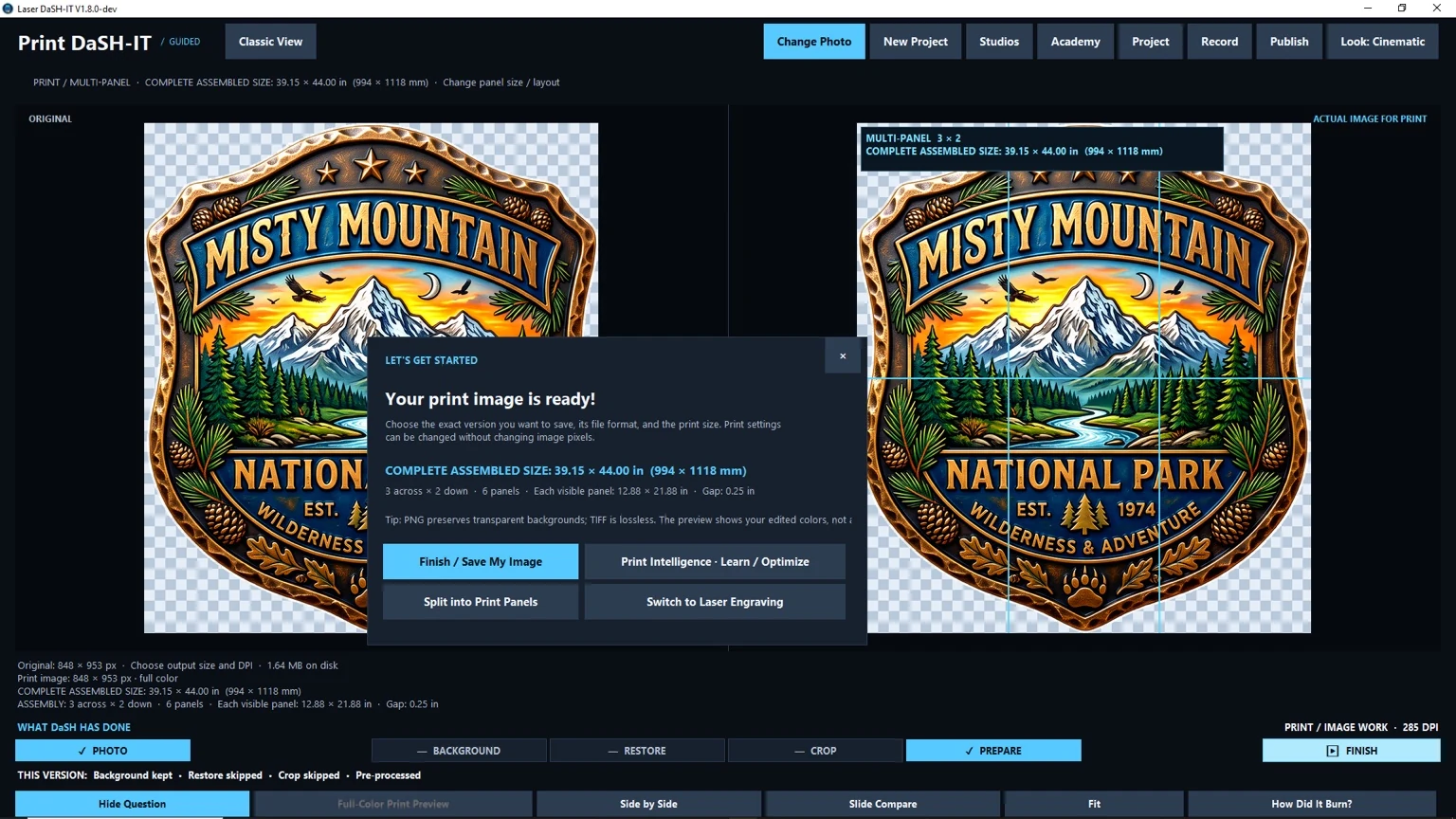
Introducing the v1.8 development preview: Print DaSH-IT, expanded multi-panel planning, improved Coin Relief Studio and a clearer Send to Laser workflow. See what is coming. The current installer remains the published release.

See What It Does Try Laser DaSH-IT Free Buy Laser DaSH-IT
Laser DaSH-IT v1.7 logo

Built for laser photo engraving workflows that need better prep, smarter proofing, and cleaner handoff into production.

Smarter Settings

Self-learning suggestions based on saved feedback and job context.

Proof Before You Burn

Compare variants and lock the best winner into production.

Donor-Guided Calibration

Borrow the tonal character of a strong result for new jobs.

LightBurn-Ready Output

Export multi panel production-friendly files with cleaner workflow handoff.

Why Laser DaSH-IT is different

Laser DaSH-IT is more than image cleanup. It is a connected engraving workflow built to help you prepare, test, refine, and export jobs more intelligently.

Self-Learning Settings Suggester

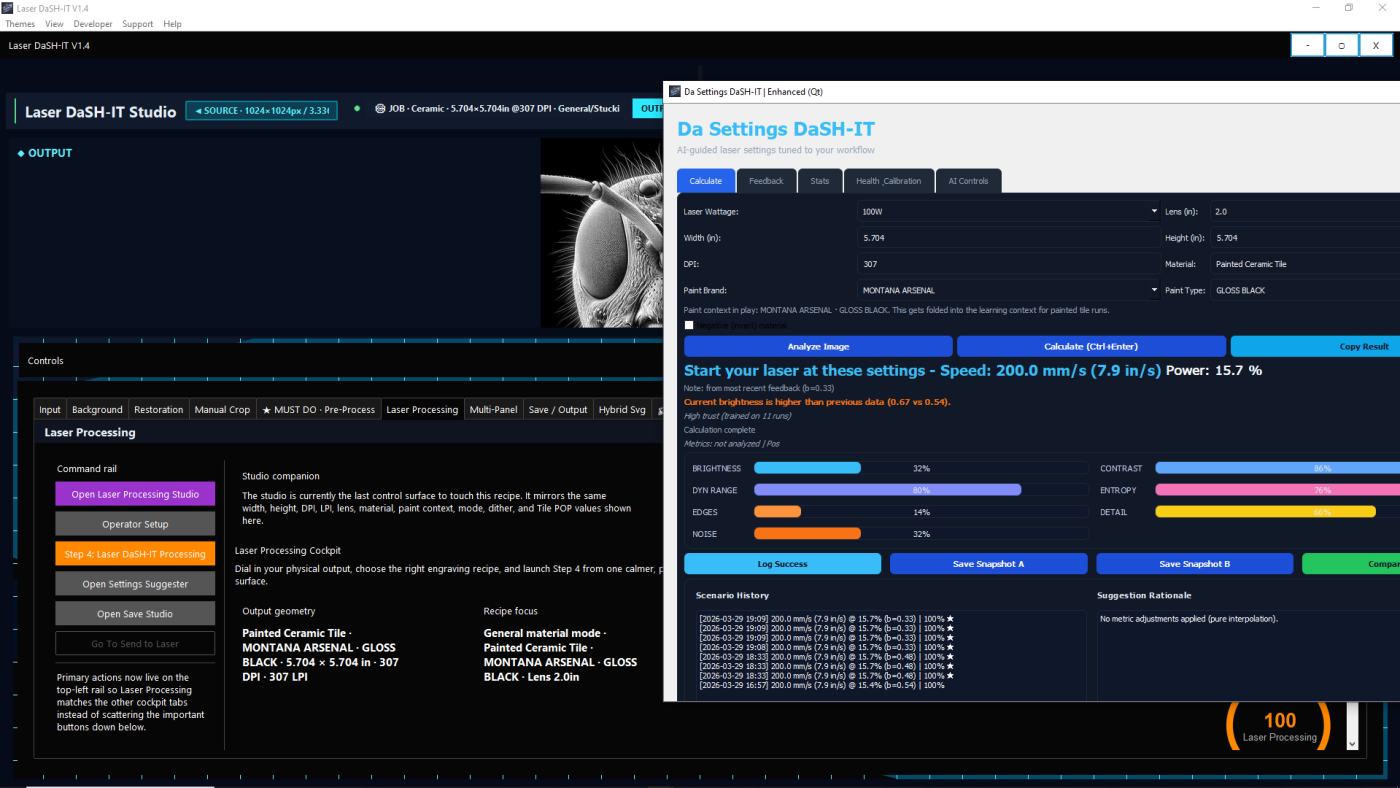
The Settings Suggester does more than show static presets. It can analyze the current job, reuse saved history, accept post-job feedback, and improve recommendations over time so you can start from a smarter baseline.

Da Calibration Lab

Build image-specific proof lanes, compare safer and stronger variants, and lock the winning recipe back into Laser Processing, LightBurn review, and future workflow history.

Donor Workflow

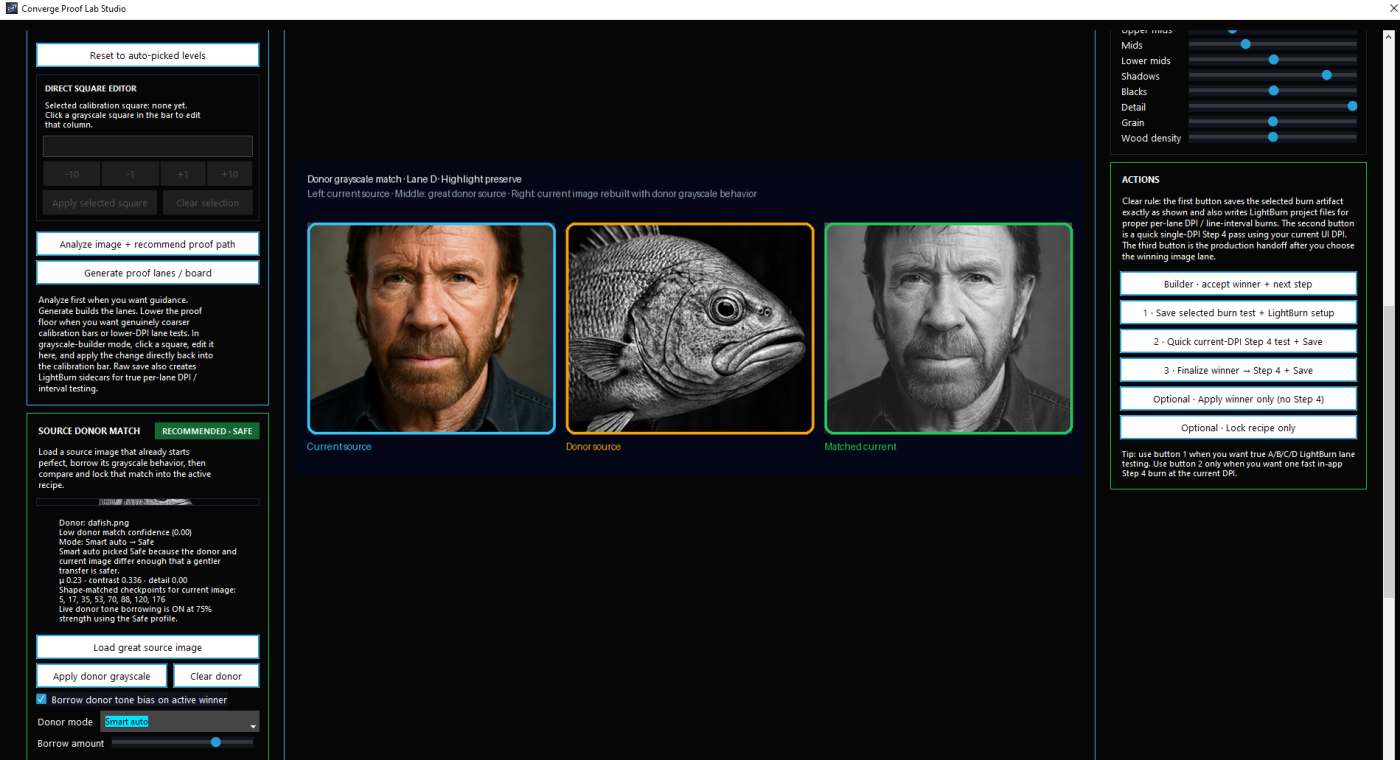
Use a great result as a donor reference for a new job. The lab can compare donor and current image behavior, apply donor modes like Smart auto, Safe, Balanced, or Aggressive, and generate donor-aware proof lanes for side-by-side testing.

Multi-Panel Studio

Plan panel layouts, keep production context together, and move complex jobs through a cleaner handoff instead of rebuilding settings by hand every time.

Hybrid Svg Tools

Combine raster detail and vector elements in one hybrid SVG workflow.

LightBurn-Oriented Export Flow

Prepare jobs for downstream production with .lbrn2 and .lbrn workflows and export review logic that better matches real shop use.

Start smarter with the self-learning Settings Suggester

One of the most powerful parts of Laser DaSH-IT is the self-learning Settings Suggester.

Instead of relying only on fixed presets, it can use saved recommendation history, job context, and feedback to guide better starting points for speed, power, DPI or interval, and polarity-aware workflow choices.

As you use the software and log real results, the suggester becomes more useful over time. That means less blind trial-and-error and better consistency when you return to similar work later.

  • uses job context to guide recommendations
  • improves through saved feedback and learning history
  • helps reduce trial-and-error burns
  • supports stronger repeatability across similar jobs
  • can carry useful context into export review workflows

Proof smarter with Da Calibration Lab

Da Calibration Lab is not just a proof strip generator. It is a calibration studio designed to help you make better production decisions before committing a job.

It can analyze the active image, generate image-specific proof lanes, compare safer versus punchier variants, and push the winning recipe back into the production workflow.

If you have a photo or finished result that engraved beautifully, the lab can use that image as a donor reference for a new job. Instead of crudely copying tones, it compares the donor and the current image, considers match confidence and material sensitivity, and generates donor-aware proof lanes so you can see what happens before production.

  • build proof lanes from the current image
  • compare native vs donor-guided variants
  • donor modes: Smart auto, Safe, Balanced, Aggressive
  • material-aware donor matching
  • save donor presets for reuse later
  • lock the winning result back into production
Borrow the tonal DNA of a great result — then test it before you burn it.

Stop guessing your way through laser photo jobs

Use a workflow built to help you prepare images, learn from real results, compare donor-powered proof variants, and move into production with more confidence.

NEW · LASER DaSH-IT TUTORIAL CENTER

See the step. Know what comes next.

Learn coins, reliefs, image generation, wood and granite processing, Intelligence, donors, calibration, multi-panel jobs and framing with numbered steps and real software screenshots.

Explore the step-by-step tutorials →

10 lessons · 65 steps · Current v1.8 development screens with checkpoints and troubleshooting.