Multi-Paneling Made Easy

Laser DaSH-IT V1.4 is not just about processing images better. It is built to do more than process an image and hope for the best. It helps you bring artwork in cleanly, build a stronger recipe, compare proof paths before production, keep the job organized, and move into output with more confidence.
The real V1.4 story is workflow depth: smarter starting values, Calibration Lab proofing, donor-guided direction, a built-in file system, multi-panel continuity, and job-aware cost tools that fit the way laser shops actually work.
Prepare images more intelligently, use self-learning setting guidance, compare proof and donor-driven variants, keep layout and material context together, and move into production with fewer wasted steps.
Self-learning suggestion workflow
Image-specific proof lane testing
Borrow proven looks more intelligently
Multi-panel and LightBurn-ready flow
See how each major part of Laser DaSH-IT supports the full workflow from setup and proofing through production handoff.
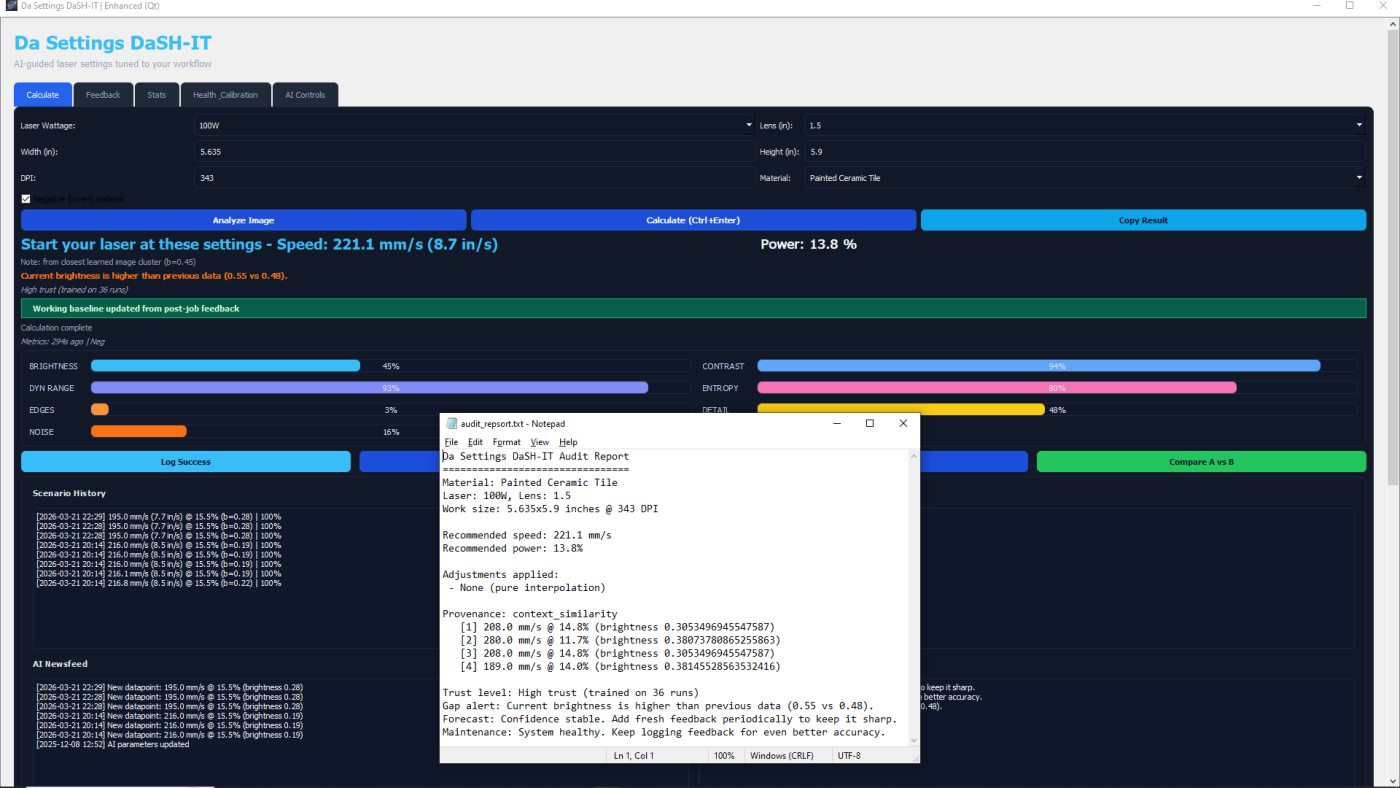
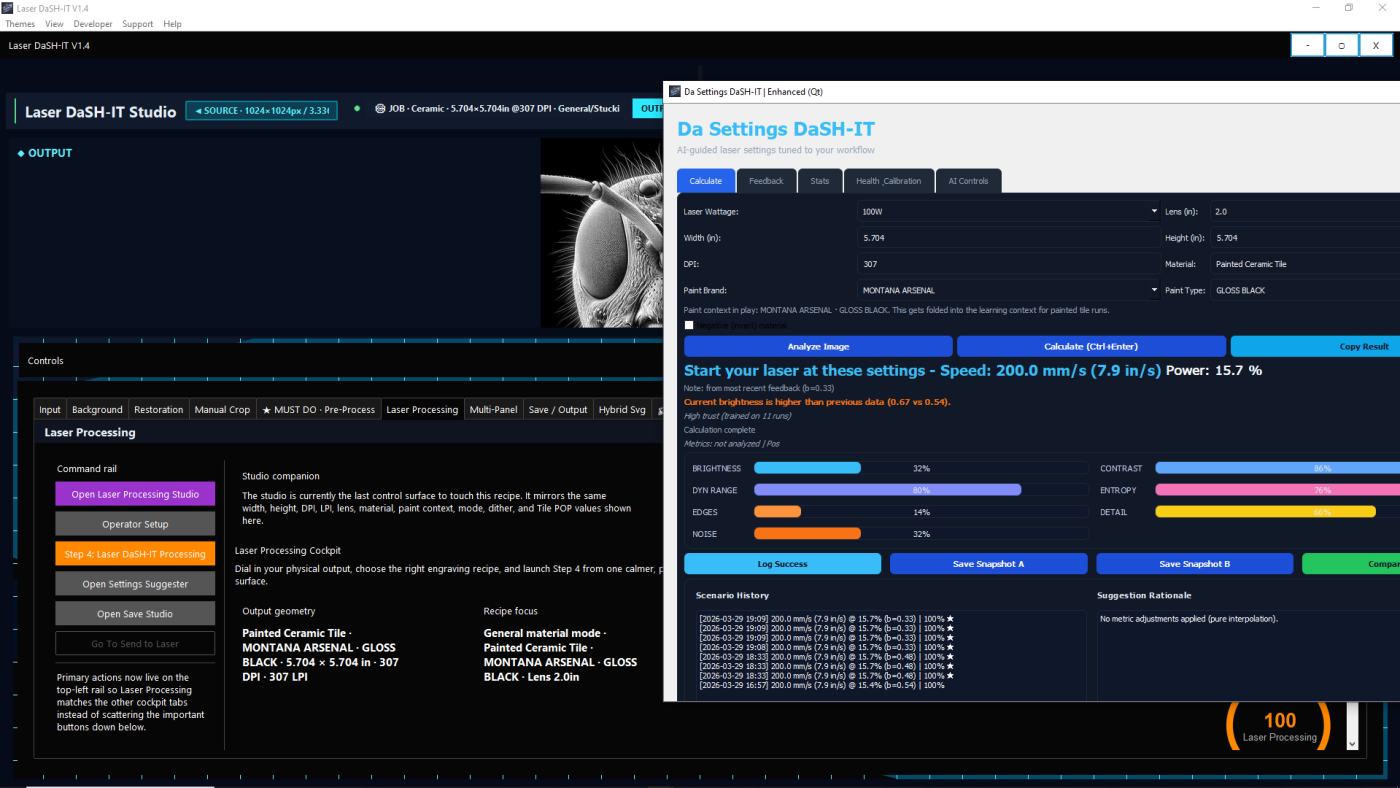
One of the most important features in Laser DaSH-IT V1.4 is the self-learning Settings Suggester. This is not just a list of fixed presets. It is designed to use job context, saved history, and real feedback to provide stronger starting recommendations over time.
It can help guide decisions around speed, power, DPI or interval, and polarity-aware workflow choices, giving users a better starting point than generic one-size-fits-all assumptions.
Calibration Lab is where you compare options before the expensive blank pays for your bad guess. Run the actual proof order: true DPI test, grayscale builder, then the final proof board so you can choose the strongest direction on purpose.
Once a winner is clear, lock it back into the workflow instead of trying to rediscover it later.
When a previous photo or finished result worked beautifully, donor-guided workflow thinking helps you use that success intelligently on the next job. Photographs are never the same, so the point is not to pretend every image behaves the same. The point is to borrow proven direction while still respecting proof, material, tonal behavior, and lens differences.
That makes successful outcomes more usable and more repeatable without turning proofing into a blind copy-paste exercise.
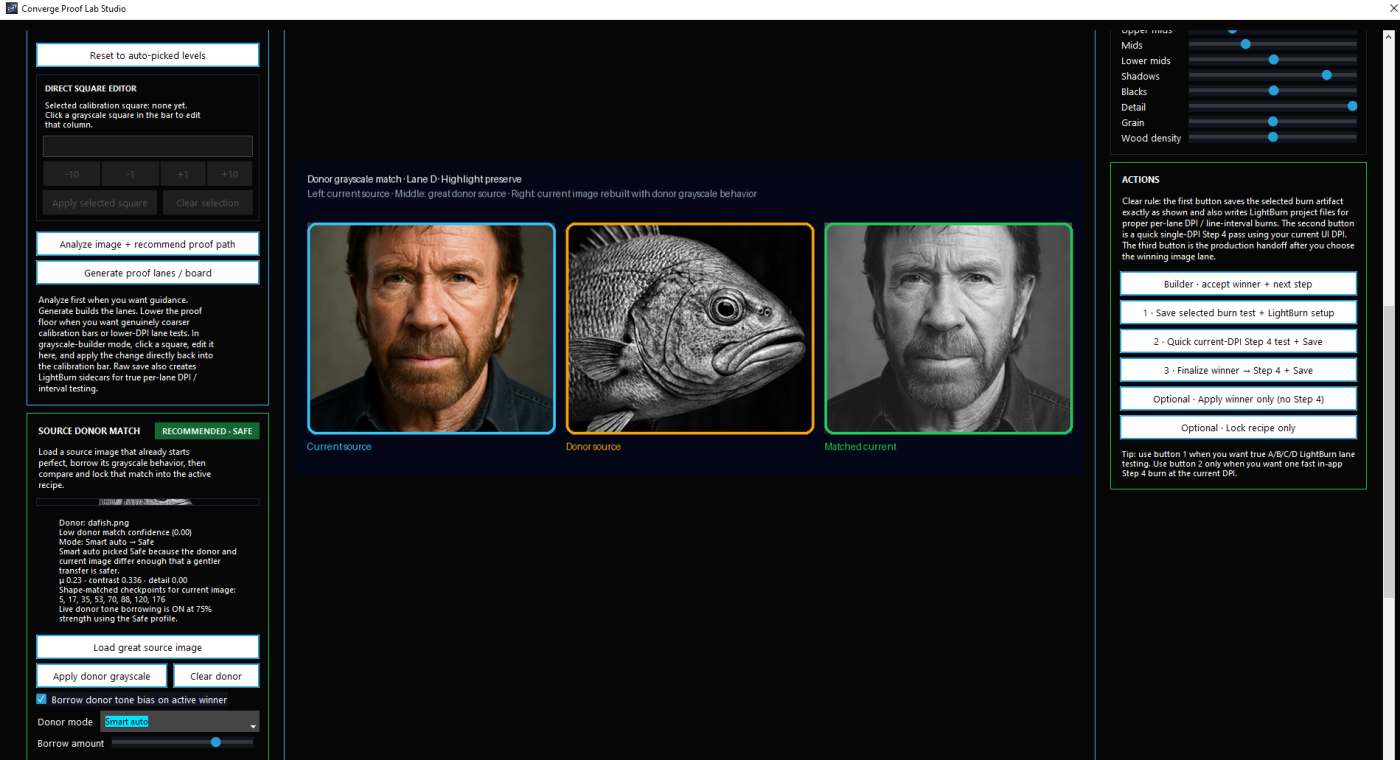
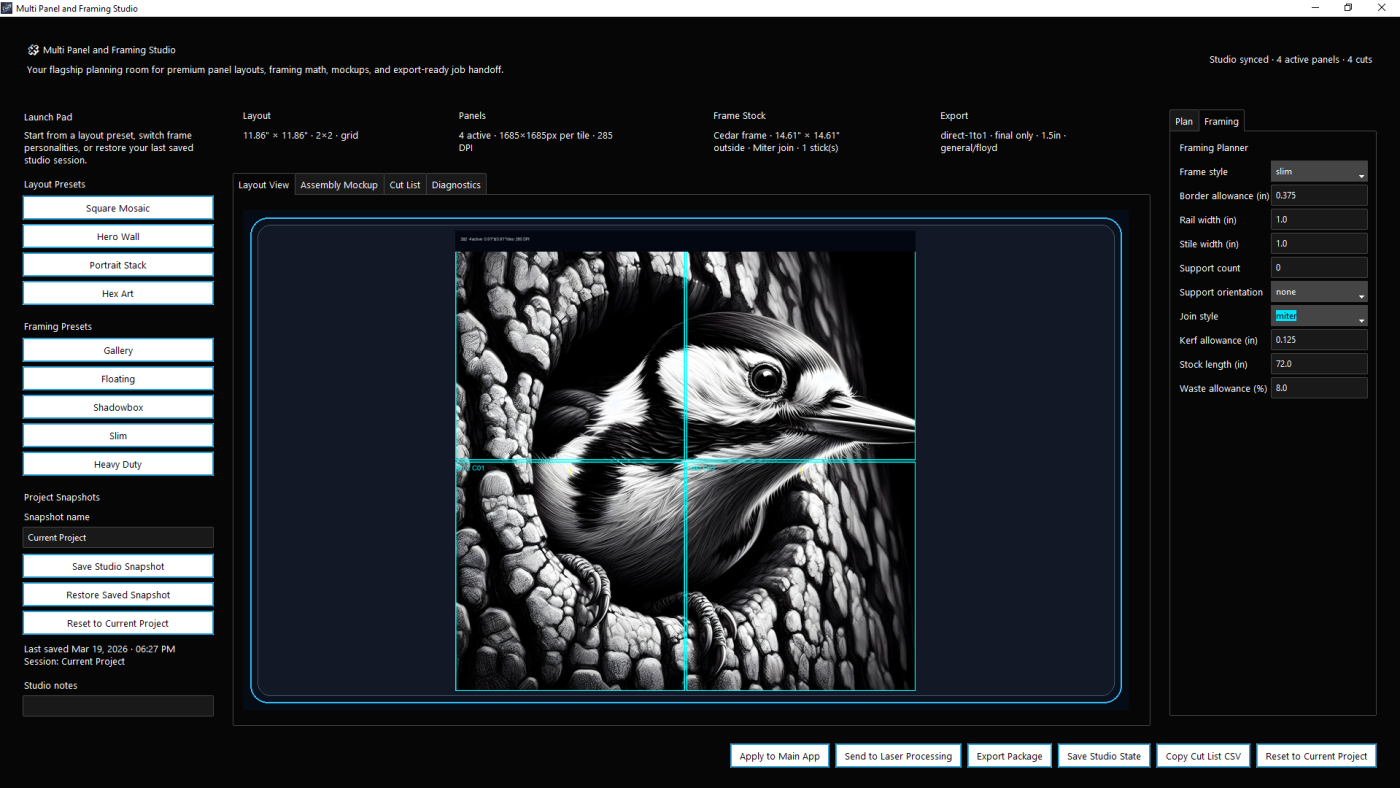
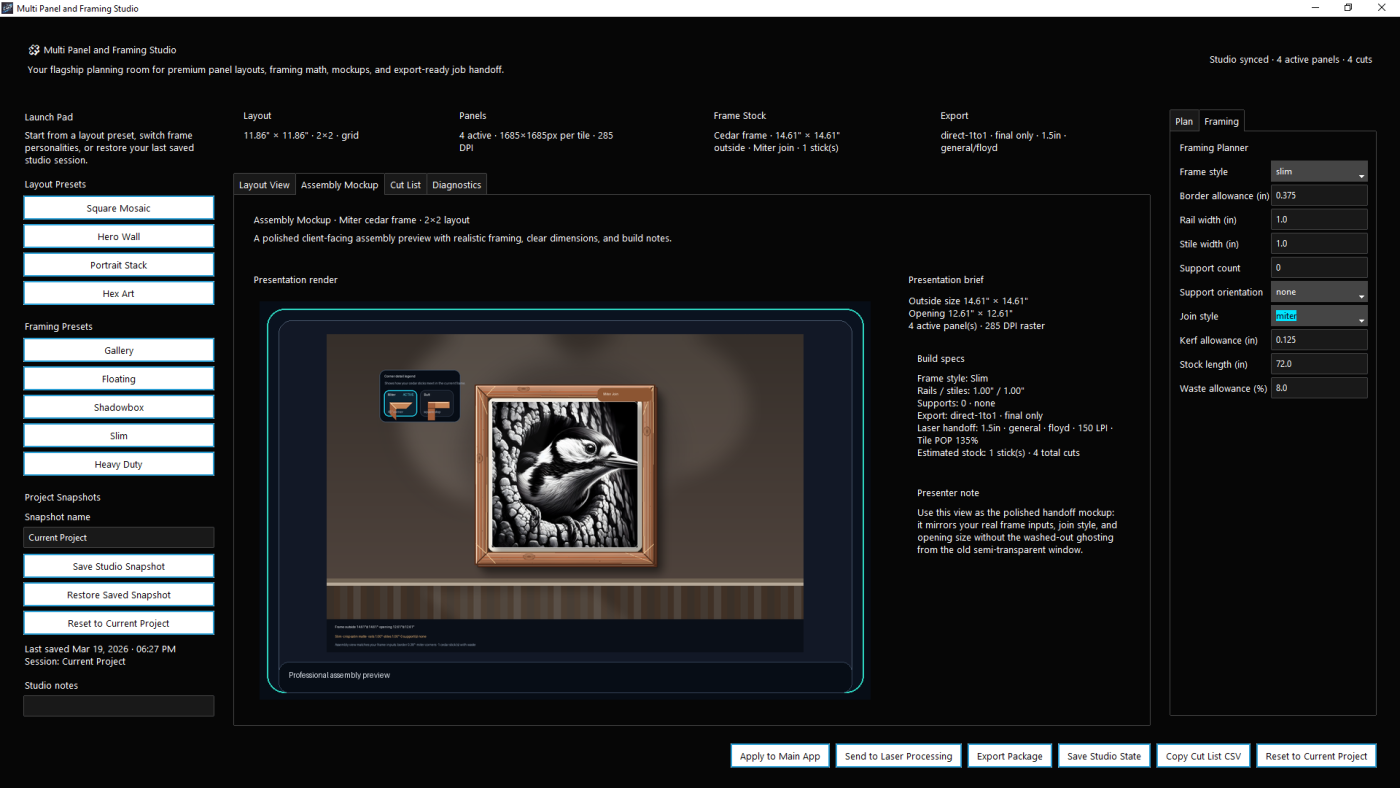
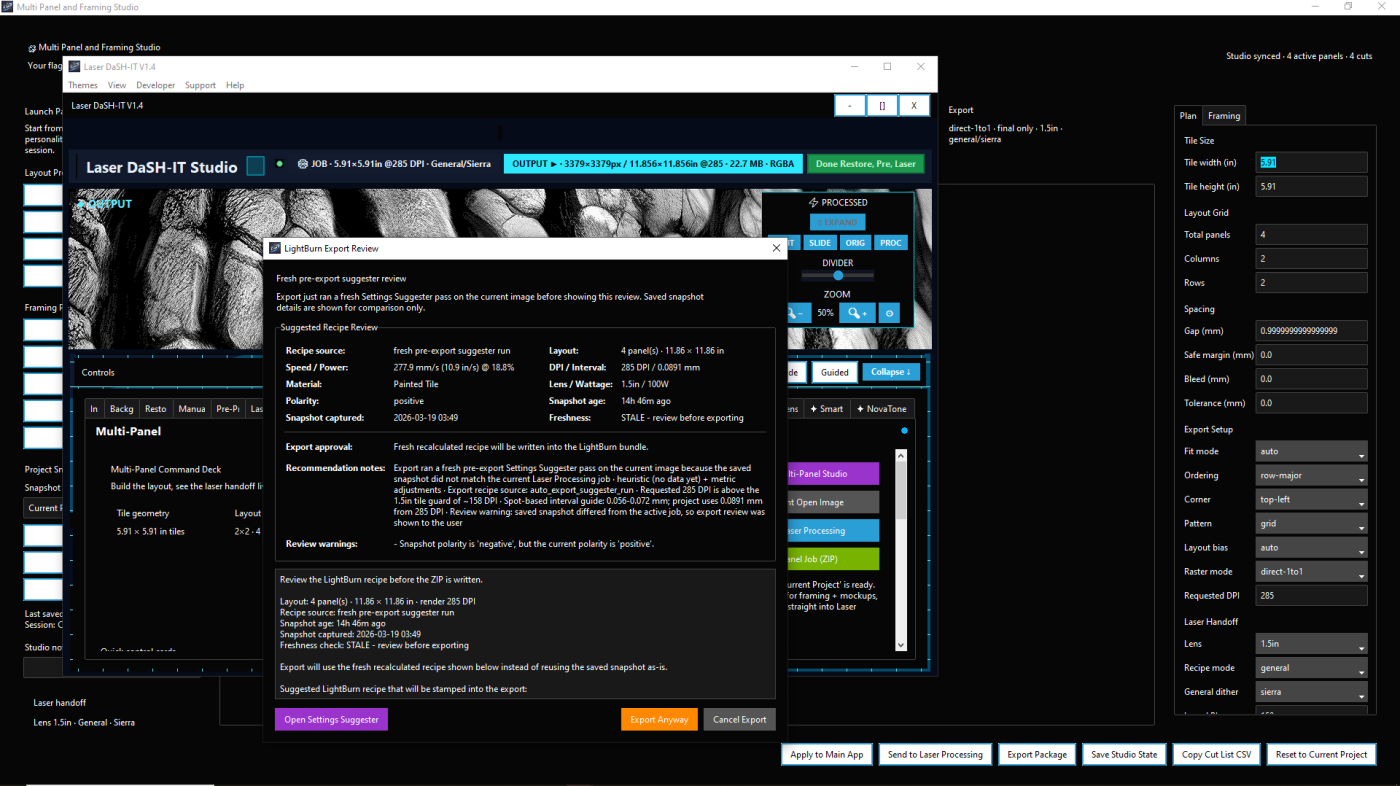
Laser DaSH-IT V1.4 is built for more than single-image jobs. Multi-Panel Studio helps users plan more complex layouts while keeping important production context connected to the job.
Instead of treating layout as a disconnected afterthought, the system helps preserve width, height, DPI, material, lens, paint-related context, and workflow decisions so the job can move more cleanly into the next stage.
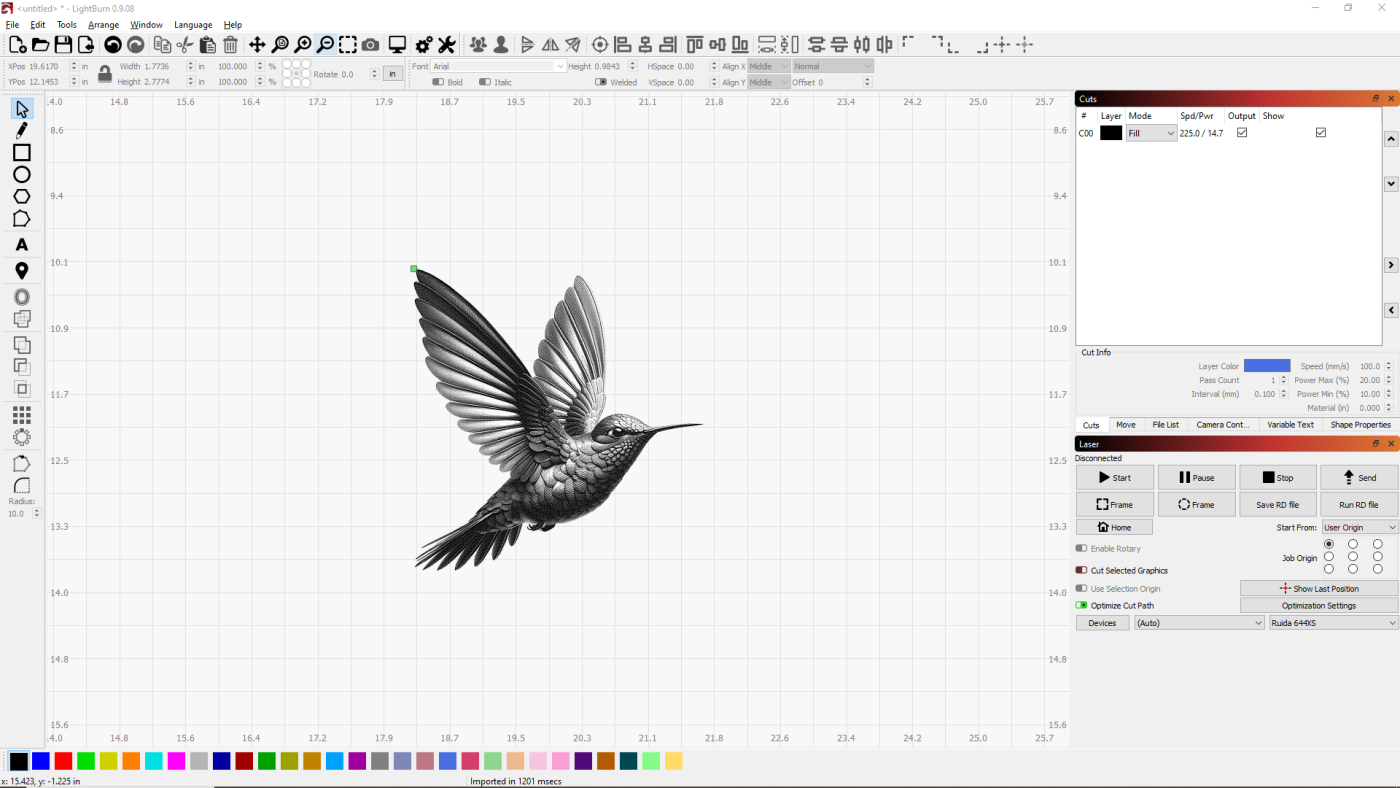
Laser DaSH-IT V1.4 introduces an internal file-system approach so jobs, generated images, working-stage files, and exports stay organized. Instead of bouncing out to the desktop and digging through random folders, the work can stay connected to where it belongs — and reopened inside the program later without detective work.
That makes the workflow cleaner now and much easier to revisit later.
The cost estimator is built to work from the actual job, not from a rough guess. Materials, coatings, dimensions, panel count, paint types, markup, and framing-related context can all feed the pricing side so the numbers line up with the real production plan.
From there, Laser DaSH-IT can support estimate and invoice workflow tied to the same customer job so you know your numbers, know your costs, and know what to charge with confidence.
You just have to check this out.
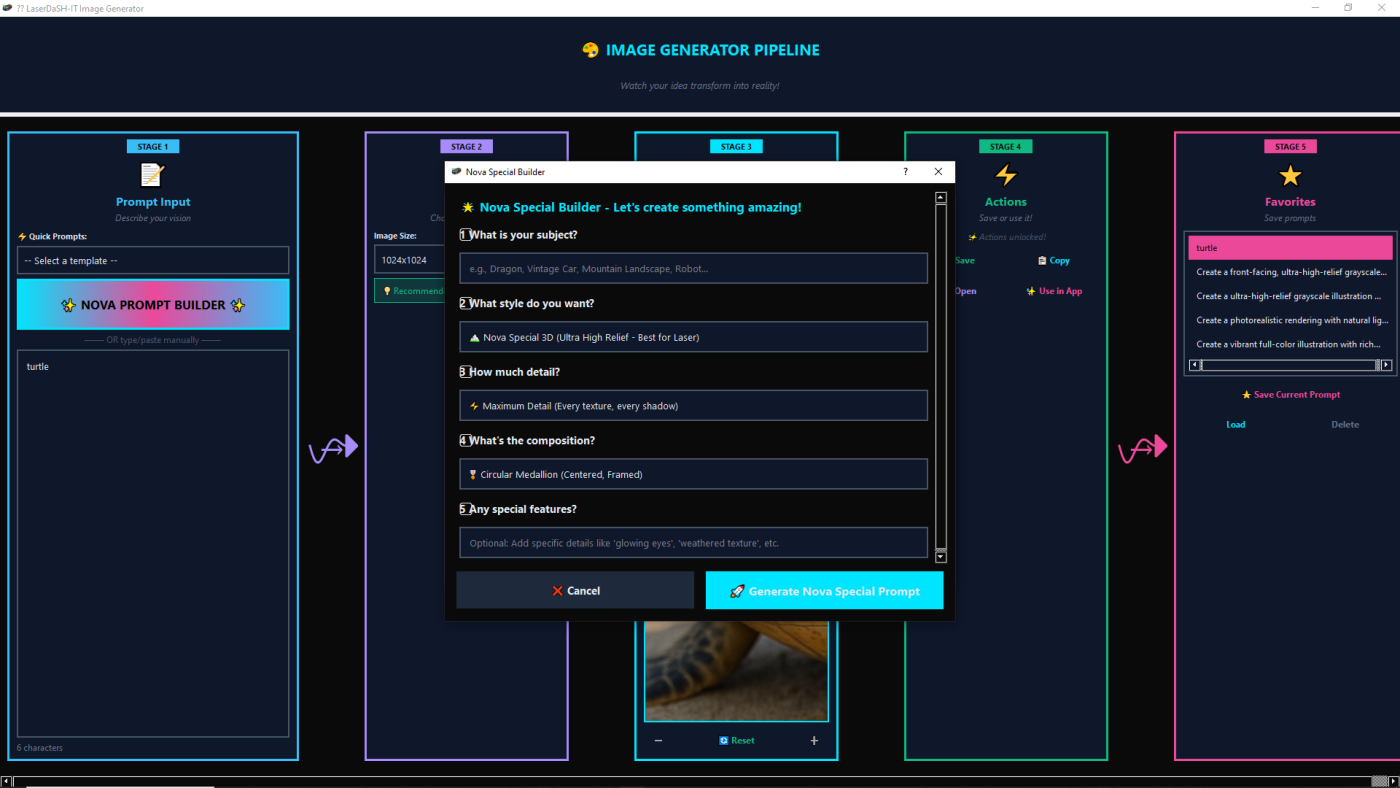
The value of Laser DaSH-IT V1.4 is not just that it has several useful tools. The real value is that those tools work together.
Image prep, self-learning suggestions, proof lanes, donor-guided calibration, multi-panel planning, and production-oriented export all support the same goal: helping users make better engraving decisions with less waste, less guesswork, and more repeatability.
This draft now calls out the full captured UI map so the site does not quietly skip parts of the product. Core production, proofing, output, specialty branches, and support tabs are all represented here.
Get Laser DaSH-IT V1.4 and use a workflow built for smarter preparation, stronger proofing, donor-guided calibration, cleaner multi-panel planning, and better production handoff.