






Laser DaSH-IT V1.4 Is HERE!
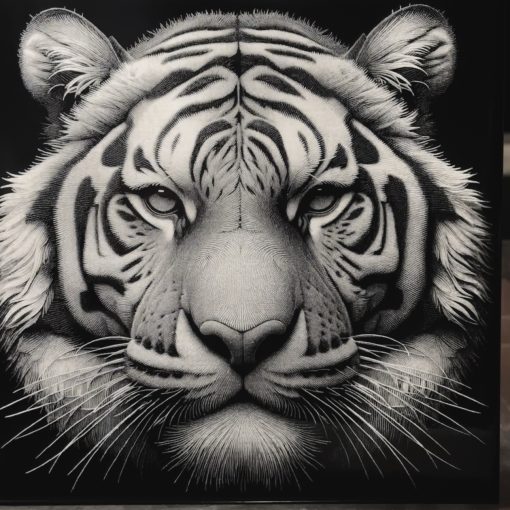
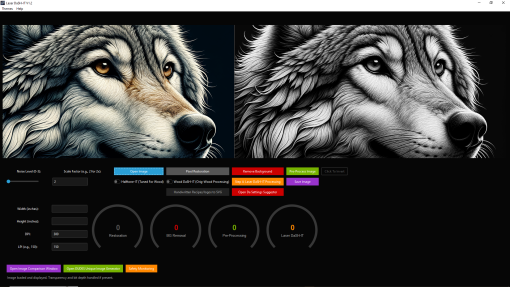
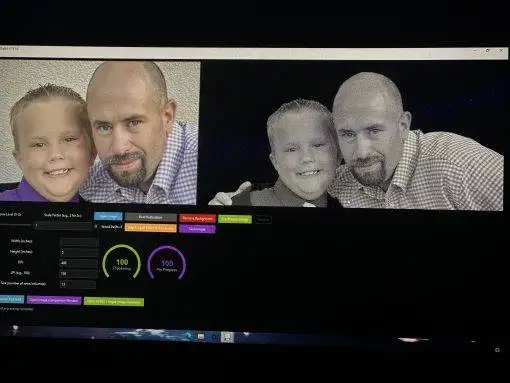
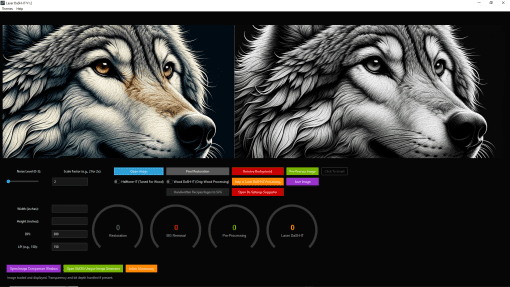
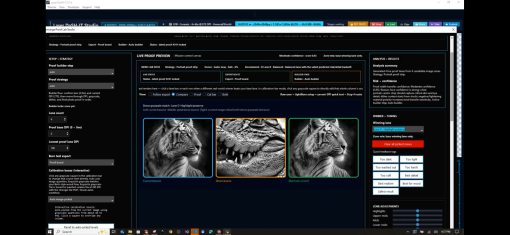
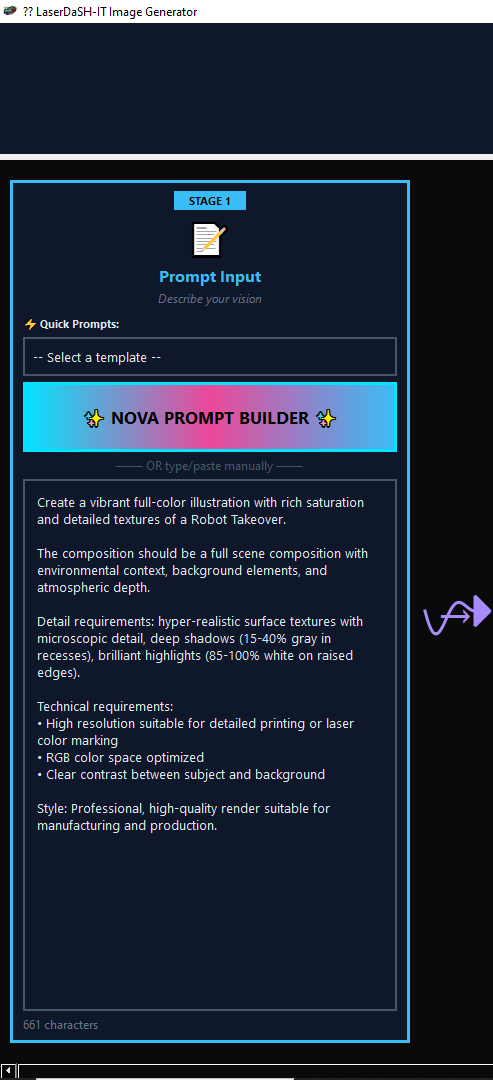
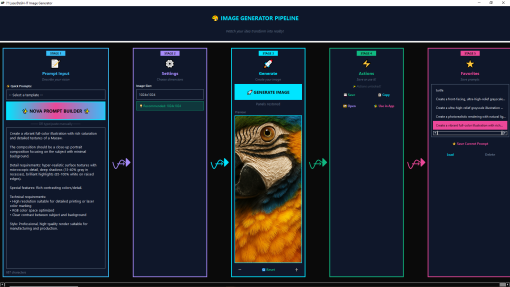
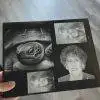
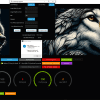
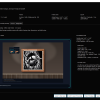
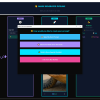
Laser DaSH-IT V1.4 is a production-focused laser photo workflow suite for shops and makers who want more than basic image cleanup. It helps you go from photo to proof to LightBurn-ready output with a smarter, more guided workflow for engraving.
Instead of juggling separate tools for image prep, proof testing, layout planning, and export setup, Laser DaSH-IT brings those steps into one system. It is built to help users prepare images, refine engraving settings, compare proof variations, plan multi-panel jobs, and export files with the production context still attached.
What makes Laser DaSH-IT V1.4 stand out is that it does not stop at “make the image look nicer.” It is designed to help users make better production decisions before they burn material.
Why Laser DaSH-IT V1.4 is different
Self-learning Settings Suggester
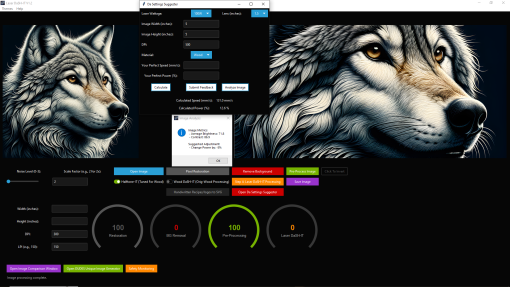
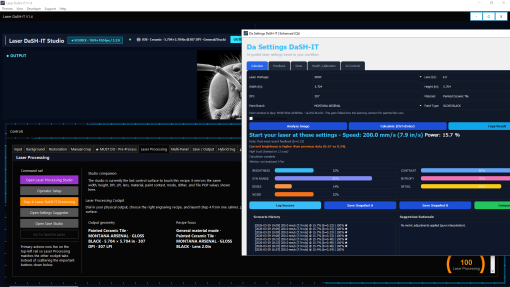
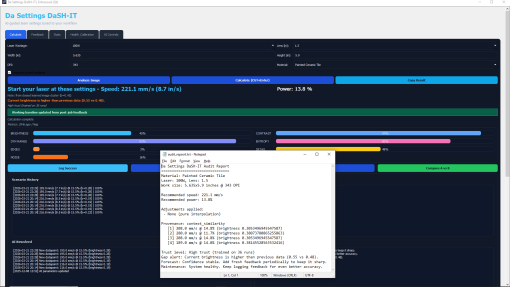
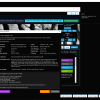
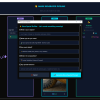
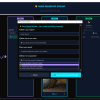
One of the smartest parts of Laser DaSH-IT is the self-learning Settings Suggester. This is not just a static preset list. It can analyze the current job, pull from saved history and feedback, and surface recommendation snapshots for settings like speed, power, DPI or interval, and polarity-aware workflow choices.
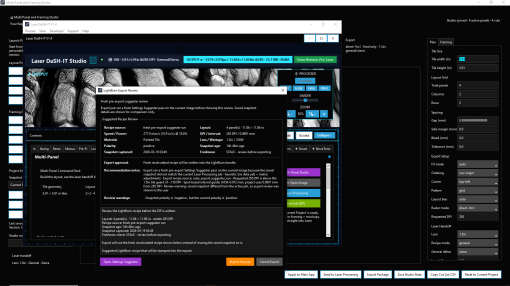
As more real-world results are logged, the suggestion system becomes more useful over time. It can use saved recommendation snapshots, compare current job context against prior results, and help reduce guesswork when moving from one engraving job to the next. In supported export flows, that recommendation context can also carry forward into LightBurn review so users can inspect what will be used before the final bundle is written.
In plain English: it helps you start smarter, and it gets better as you use it.
Da Calibration Lab with donor workflow
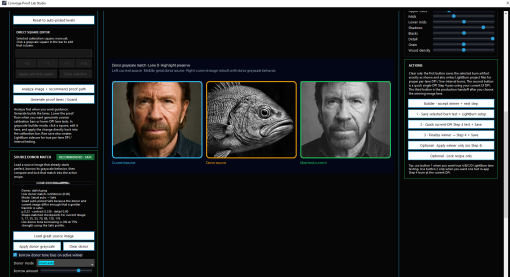
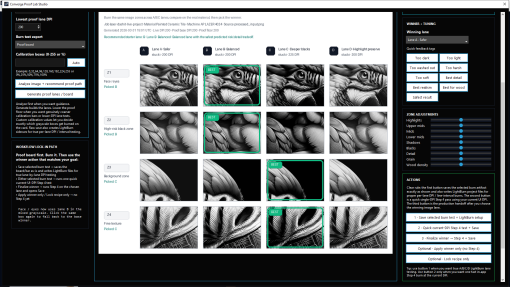
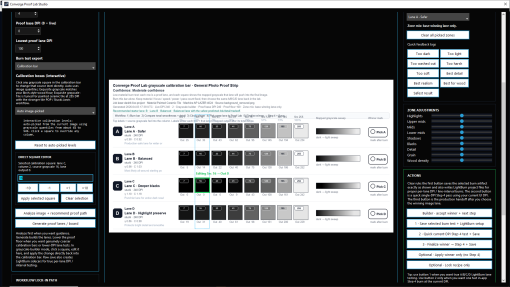
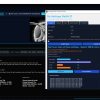
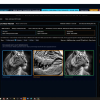
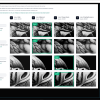
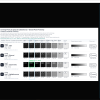
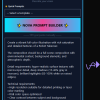
Da Calibration Lab is not just a proof-strip generator. It is a proof and calibration studio built to help users compare meaningful variants before production.
It can:
analyze the live job
build image-specific proof lanes
compare safer versus punchier variants
lock the winning recipe back into the production workflow
And one of its most powerful features is the donor workflow.
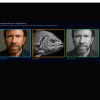
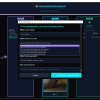
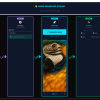
If you have a photo or look that engraved beautifully, the Calibration Lab can use that as a donor reference for a new job. Rather than blindly copying brightness, it compares the donor and current image, evaluates the match, considers material sensitivity, and generates donor-aware proof lanes so you can compare:
a native baseline
a safer donor-guided version
a recommended donor match
a stronger donor stretch
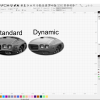
It also supports donor modes like Smart auto, Safe, Balanced, and Aggressive, plus saved donor presets with material family, strength, preview thumbnails, and reusable look references. That makes it possible to carry a proven engraving style forward in a more intelligent, controlled way instead of starting from scratch every time.
Multi-Panel Studio with production handoff
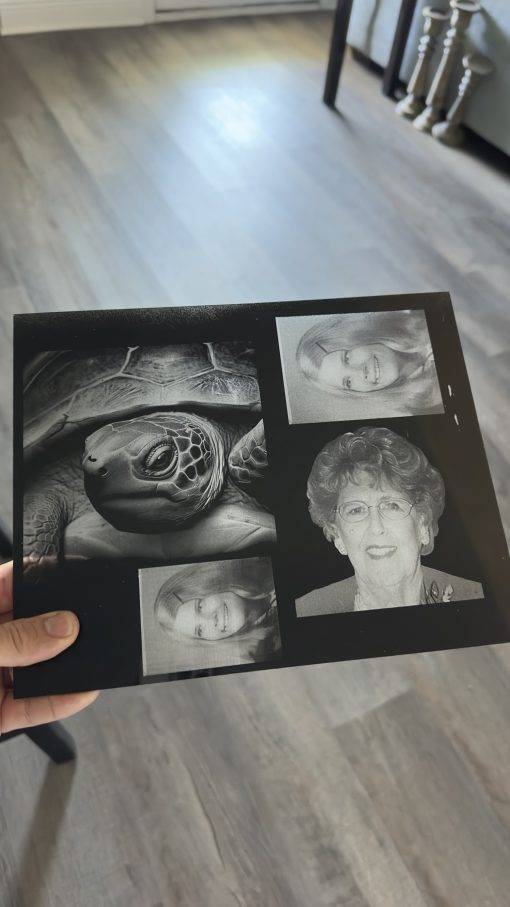
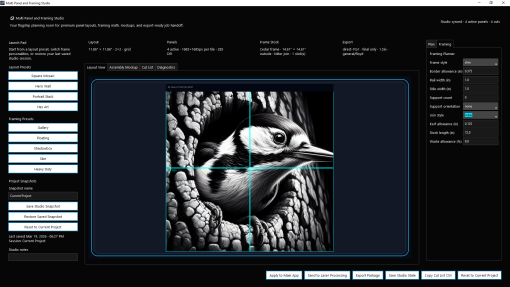
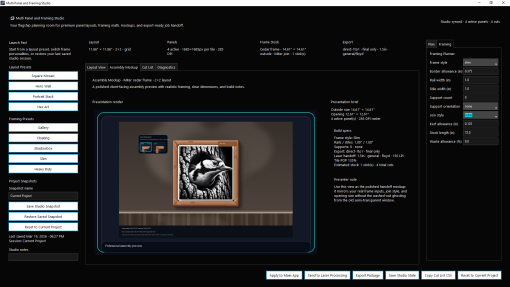
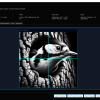
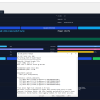
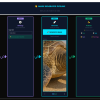
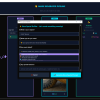
For larger and more complex jobs, Multi-Panel Studio helps users plan layouts, manage panel logic, preview arrangement, and prepare output for downstream production.
This is more than panel splitting. The workflow can preserve job context such as material, lens, paint-related details, DPI, dither choices, and processing mode, then hand that information into later stages. Export flows can generate LightBurn-ready assets and, in supported cases, include settings-suggester-derived recipe context for review before export is finalized.
That means less manual re-entry, less confusion, and a cleaner handoff from planning into production.
Hybrid Svg and vector workflow tools
Laser DaSH-IT also includes a strong Hybrid Svg workflow surface with vector-oriented tools, classic conversion helpers, and relief-style support. This helps users create cleaner production files, refine path-based output, and build more polished cut or layered workflows when a job needs more than standard raster prep.
Built for real engraving workflows
Laser DaSH-IT V1.4 is designed for users who want better control over:
laser photo engraving preparation
proofing and calibration
donor-guided tonal matching
multi-panel planning
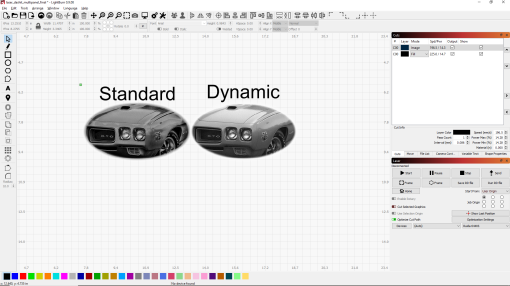
LightBurn-ready export workflows
repeatable production setup
It is especially compelling for users working in photo engraving environments where material behavior, tonal transfer, and repeatability matter.
Key features
Self-learning Settings Suggester that improves through saved feedback and history
Da Calibration Lab for proof-lane comparison and winner locking
Donor-image workflow for carrying proven looks into new jobs
Smart donor modes including Smart auto, Safe, Balanced, and Aggressive
Saved donor presets with preview, reuse, and organization support
Multi-Panel Studio for layout planning and export prep
LightBurn-ready output support including .lbrn2 and .lbrn workflows
Hybrid Svg / vector tools for refined production output
Laser Processing handoff from planning and proofing into burn prep
Business-side workflow tools such as licensing and production-adjacent utilities
Who it is for
Laser DaSH-IT V1.4 is a strong fit for:
engraving businesses
LightBurn-based production shops
users producing photo engraving work regularly
shops that want fewer test burns and better repeatability
users who want guided calibration instead of starting every job from zero
The real value
The biggest value of Laser DaSH-IT V1.4 is that it brings together the parts of the workflow that usually live in separate mental buckets:
image preparation
settings guidance
proof testing
donor-based look matching
panel layout
export preparation
production handoff
That creates a more connected workflow where users can make better decisions earlier, validate them before committing, and carry the winning setup forward into the next stage.
Laser DaSH-IT V1.4 is not just an image-prep utility. It is a smarter photo-to-production workflow system for laser engraving.