LASER DASH-IT V1.4 FEATURES

A smarter laser photo workflow from prep to proof to production

Laser DaSH-IT V1.4 is built for more than image cleanup. It helps users prepare artwork, get smarter setting guidance, run proof and donor comparisons, plan multi-panel jobs, and export LightBurn-ready files with better workflow continuity.

This page breaks down the major features that make Laser DaSH-IT different from a basic image utility or one-size-fits-all preset tool.

Buy Laser DaSH-IT V1.4 Explore Features

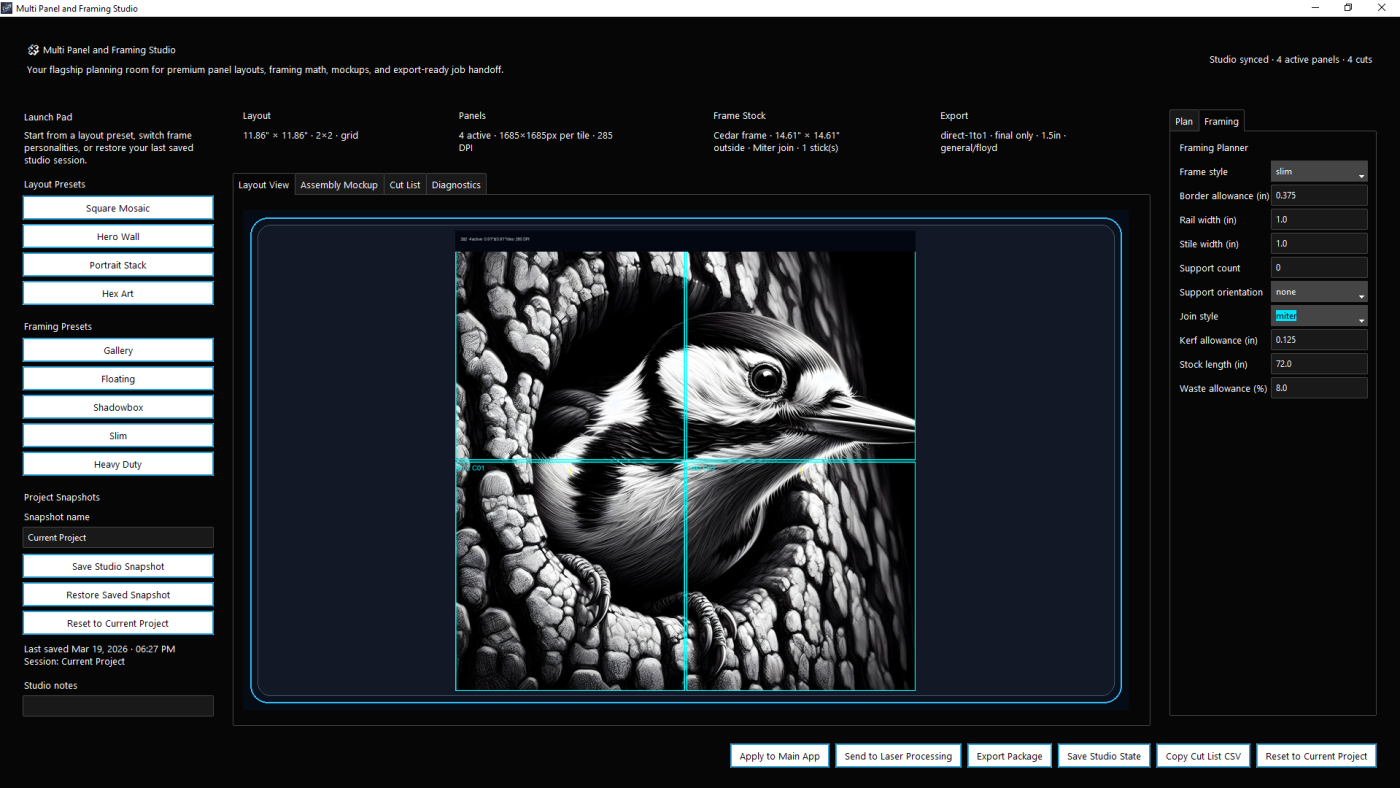
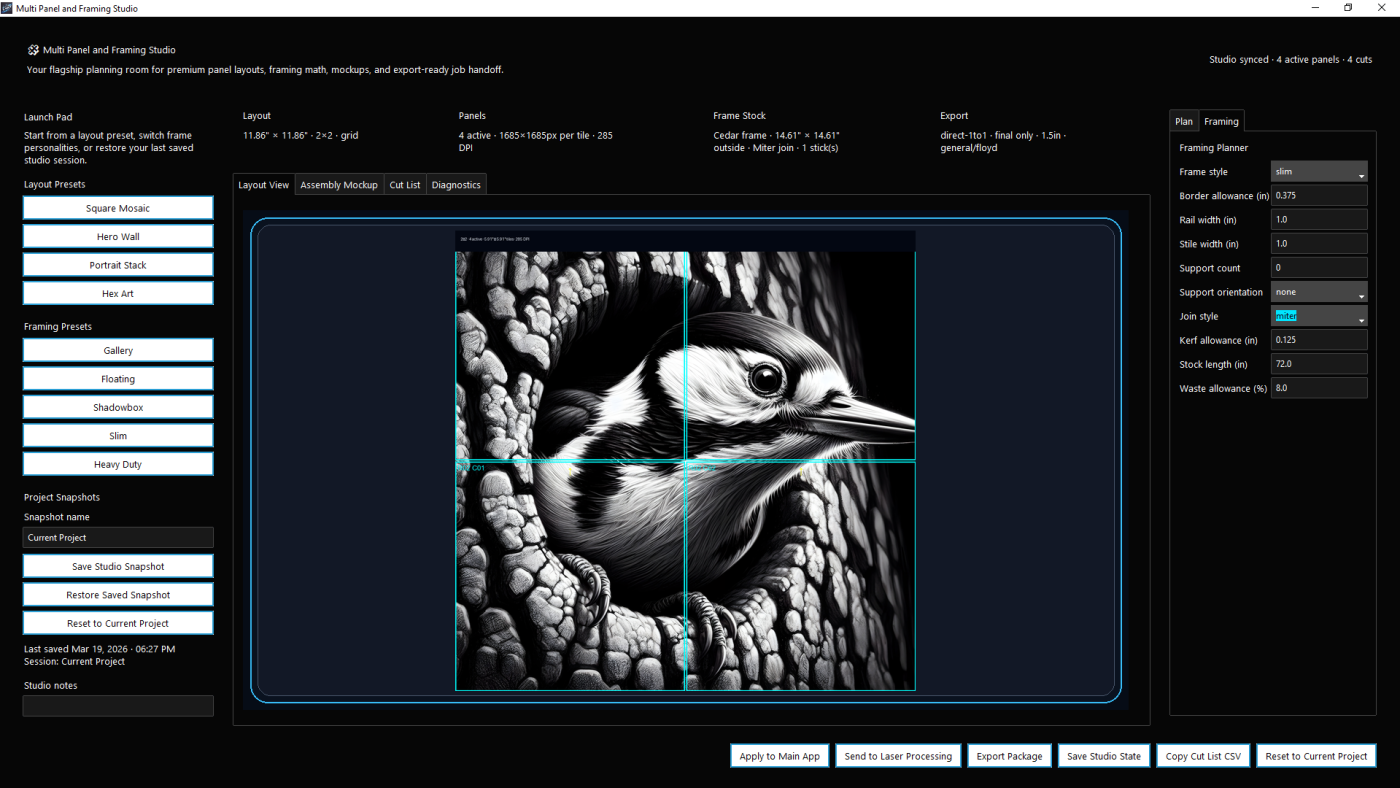
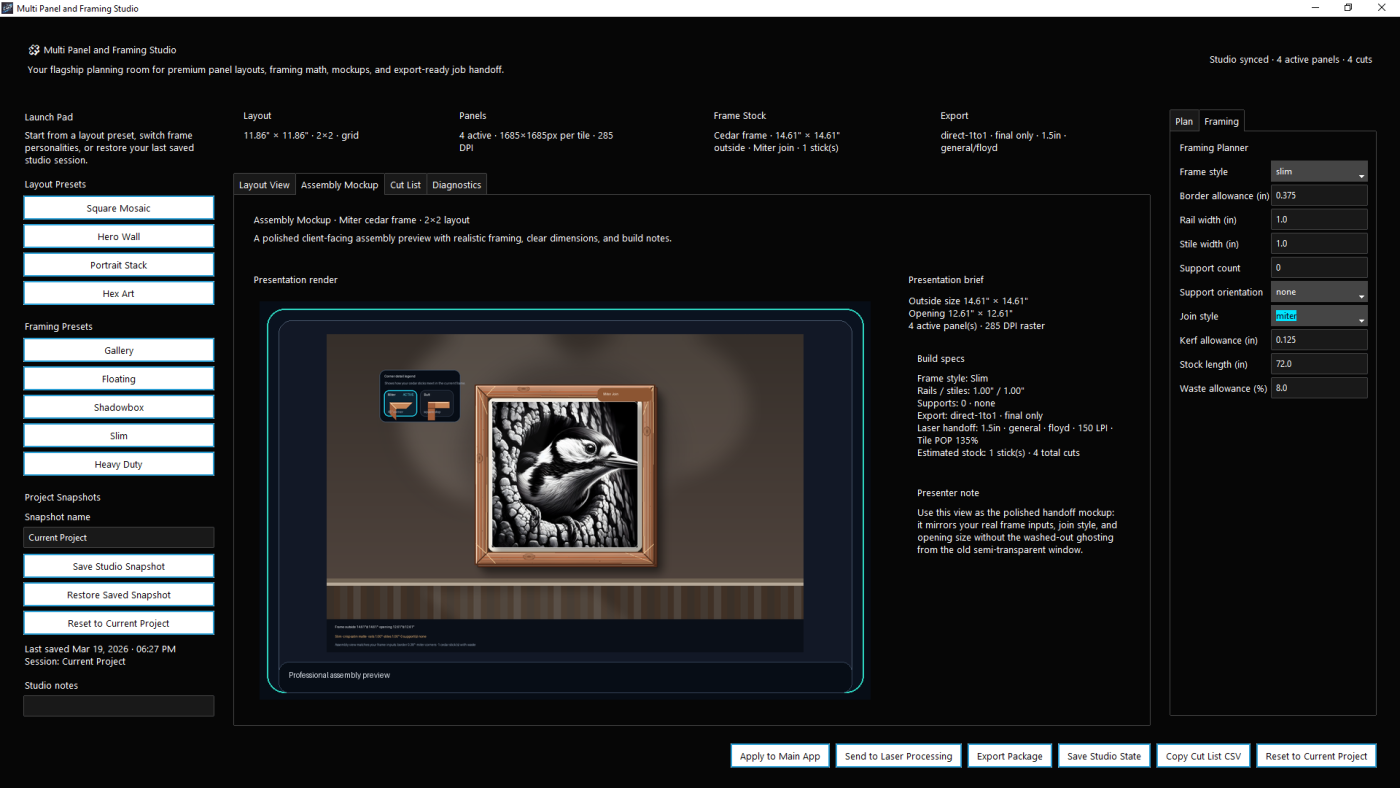
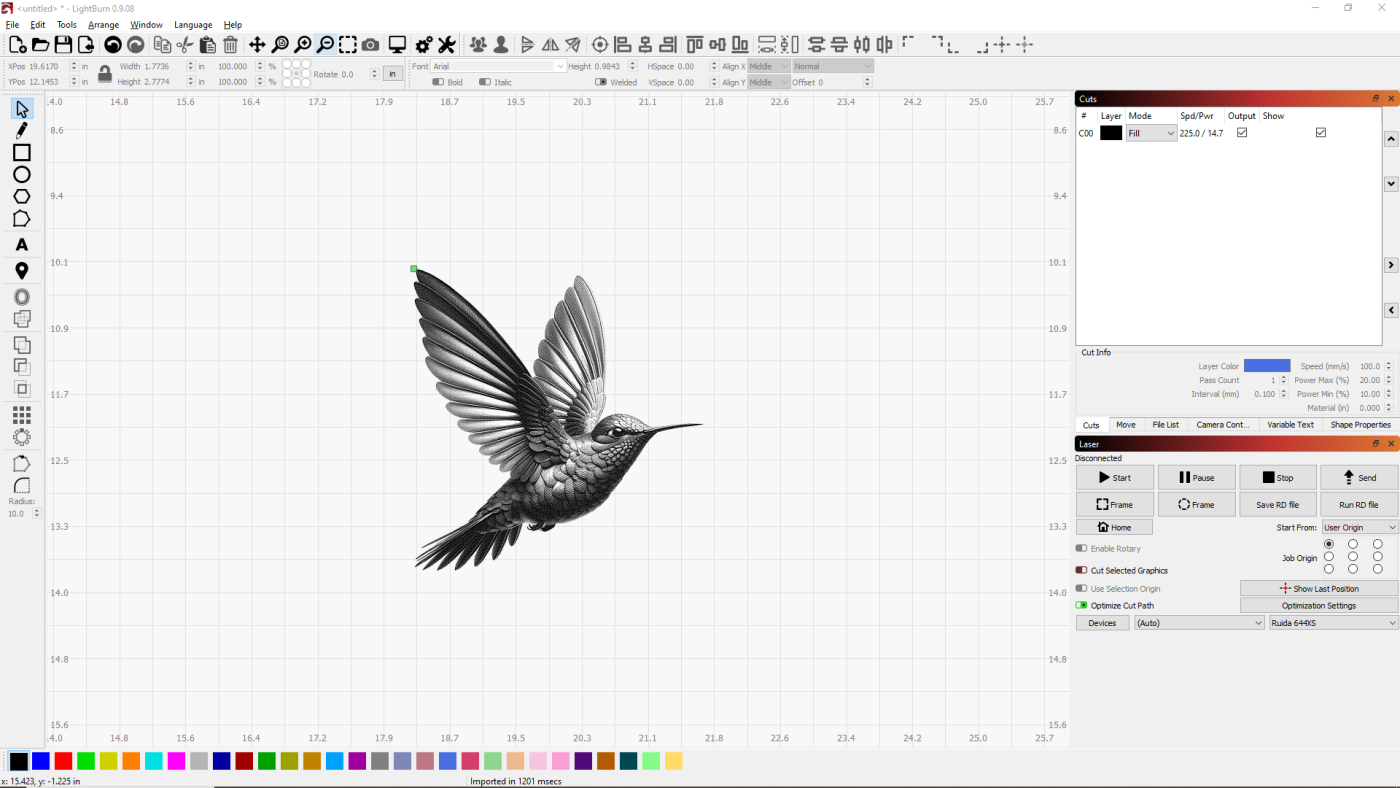
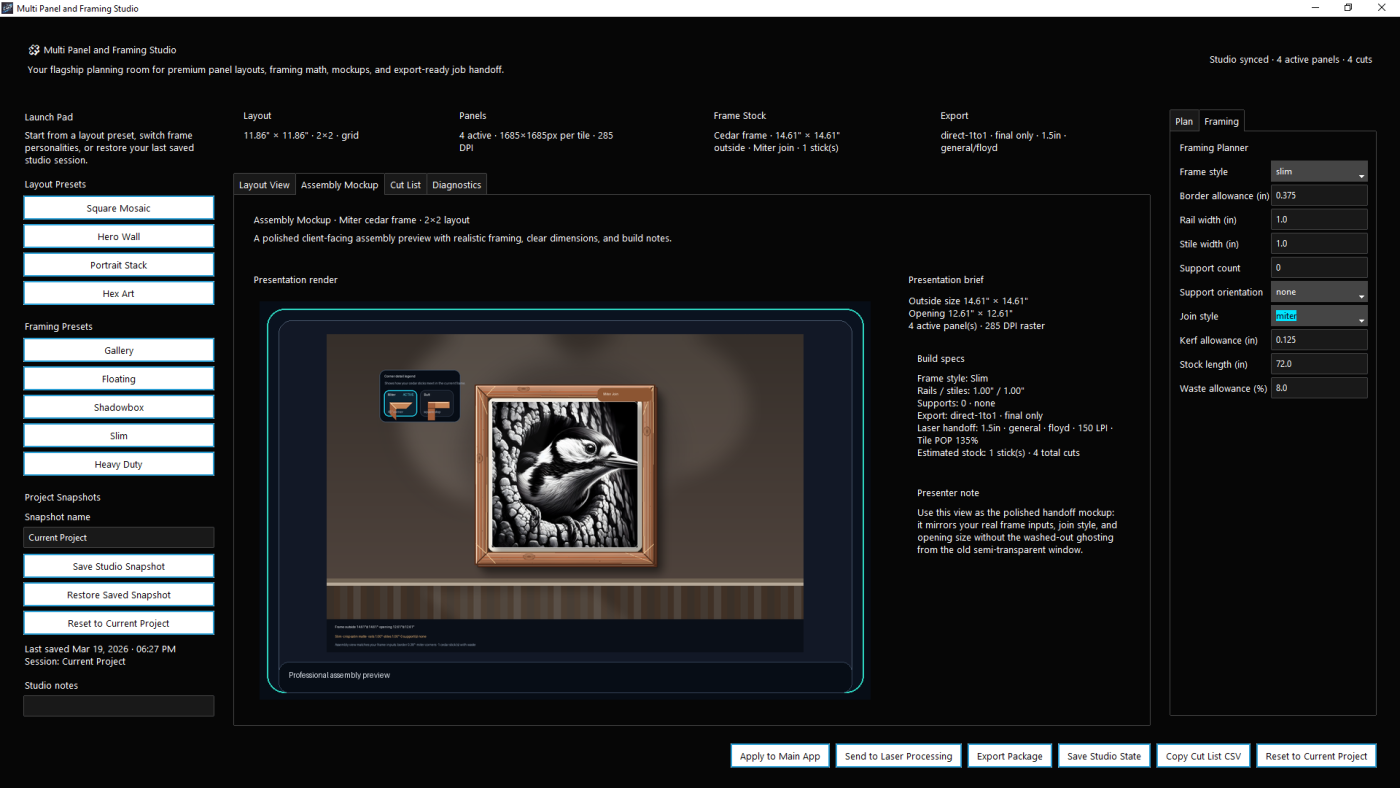
Multi-Paneling Made Easy

Create Custom Frames For Your Multi-Panel Creations
What Laser DaSH-IT is built to help you do

Prepare images more intelligently, use self-learning setting guidance, compare proof and donor-driven variants, keep layout and material context together, and move into production with fewer wasted steps.

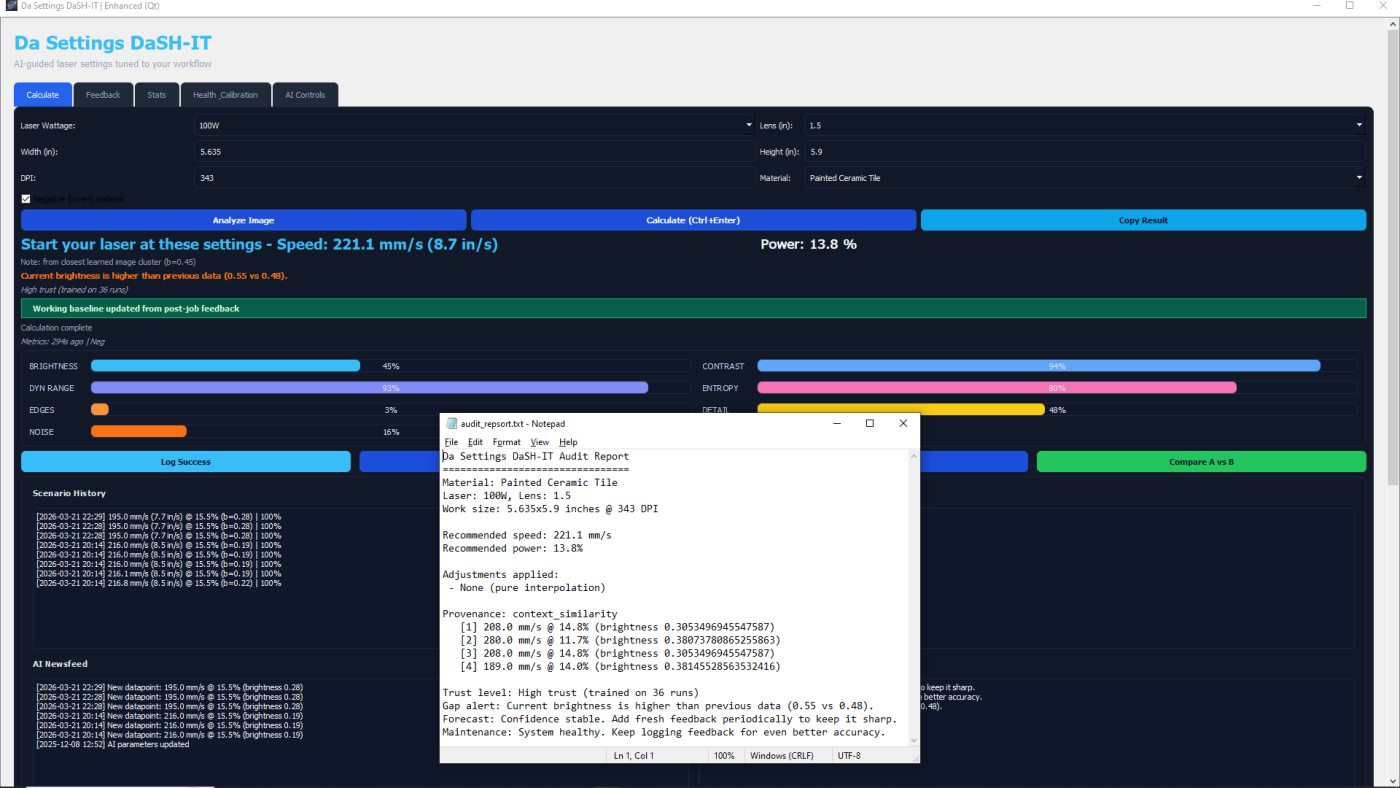
Smart Settings

Self-learning suggestion workflow

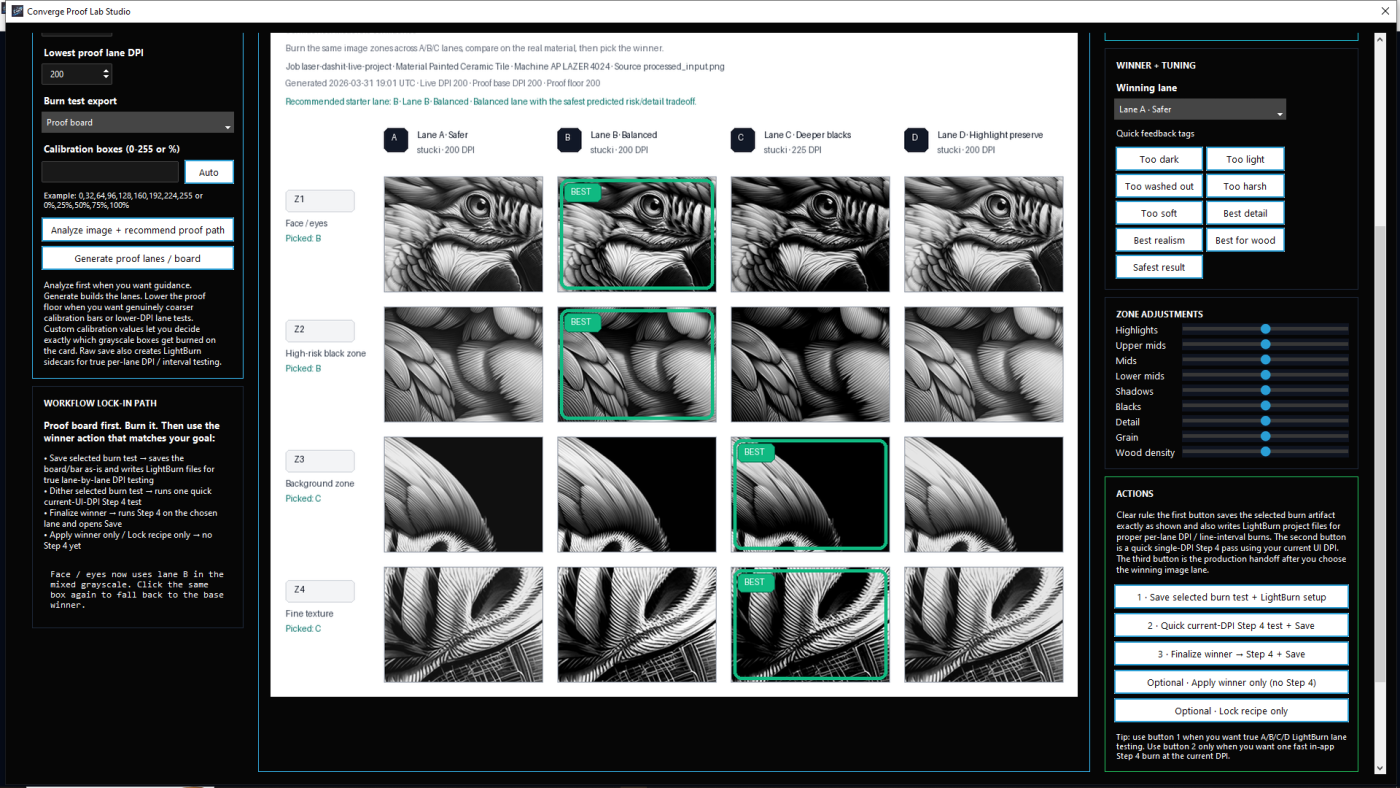
Proof & Calibration

Image-specific proof lane testing

Donor Workflows

Borrow proven looks more intelligently

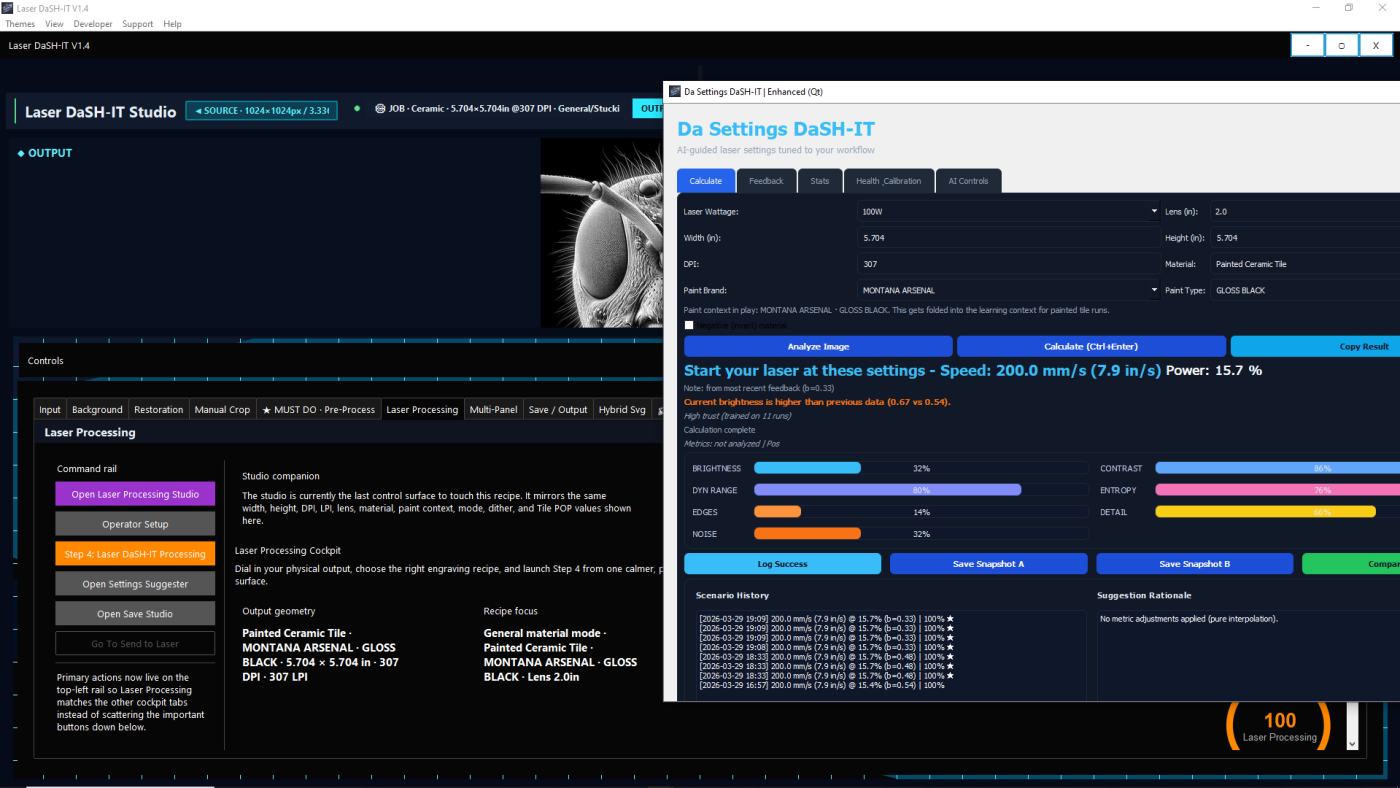
Production Handoff

Multi-panel and LightBurn-ready flow

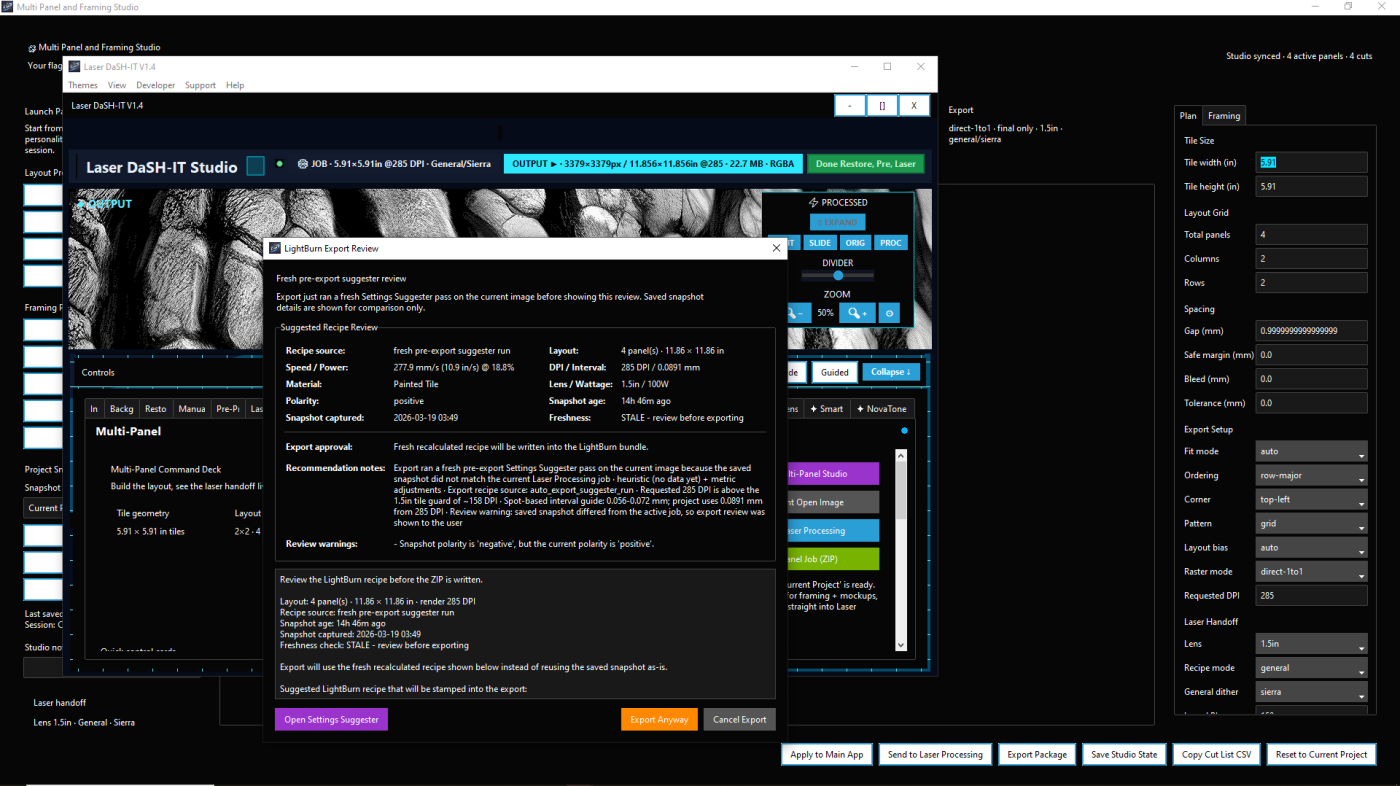
Self-Learning Settings Suggester

One of the most important features in Laser DaSH-IT V1.4 is the self-learning Settings Suggester. This is not just a list of fixed presets. It is designed to use job context, saved history, and real feedback to provide stronger starting recommendations over time.

It can help guide decisions around speed, power, DPI or interval, and polarity-aware workflow choices, giving users a better starting point than generic one-size-fits-all assumptions.

As more successful job results are logged, the suggestion system becomes more useful for future work. That means stronger repeatability, faster setup, and less wasteful guess-and-check work when returning to similar images or materials.

  • uses job context to guide better starting recommendations
  • improves through saved history and feedback
  • supports stronger repeatability across similar jobs
  • helps reduce trial-and-error setup time
  • can contribute useful context to export review workflows
Get Laser DaSH-IT

Da Calibration Lab

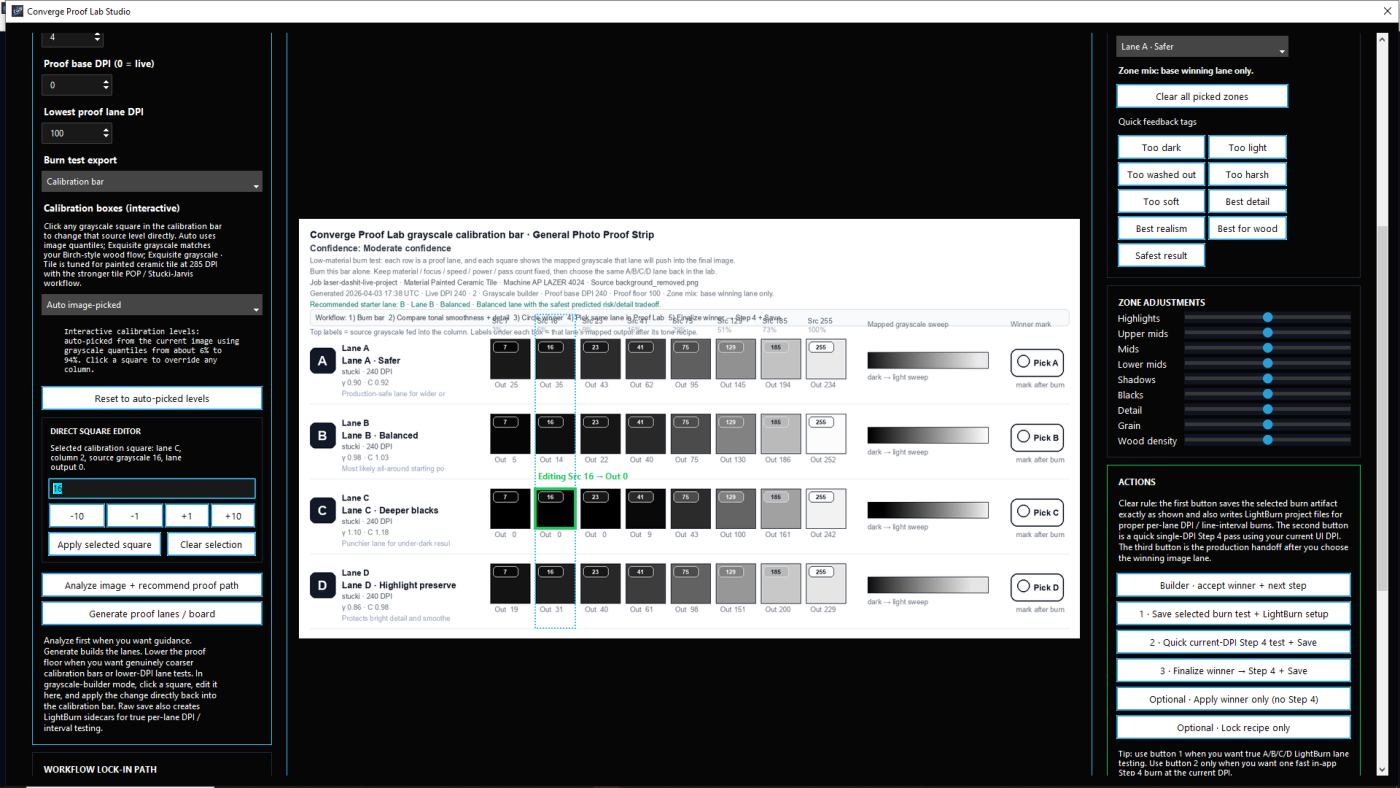
Da Calibration Lab is designed to help users make better production decisions before committing to the final burn. Instead of guessing based on one processed image, the lab can generate image-specific proof lanes and compare meaningful variations.

Users can compare safer versus punchier variants, evaluate how the image behaves under different tonal approaches, and then lock the winning recipe back into the production workflow.

This turns proofing into an actual decision system rather than a disconnected experiment. The winning direction can be carried back into Laser Processing, review flow, and future learning context.

  • generate image-specific proof lanes
  • compare safer and stronger variations
  • review meaningful tonal differences before production
  • lock the winning result back into workflow handoff
  • support smarter decisions before material is committed

Donor-Guided Calibration Workflow

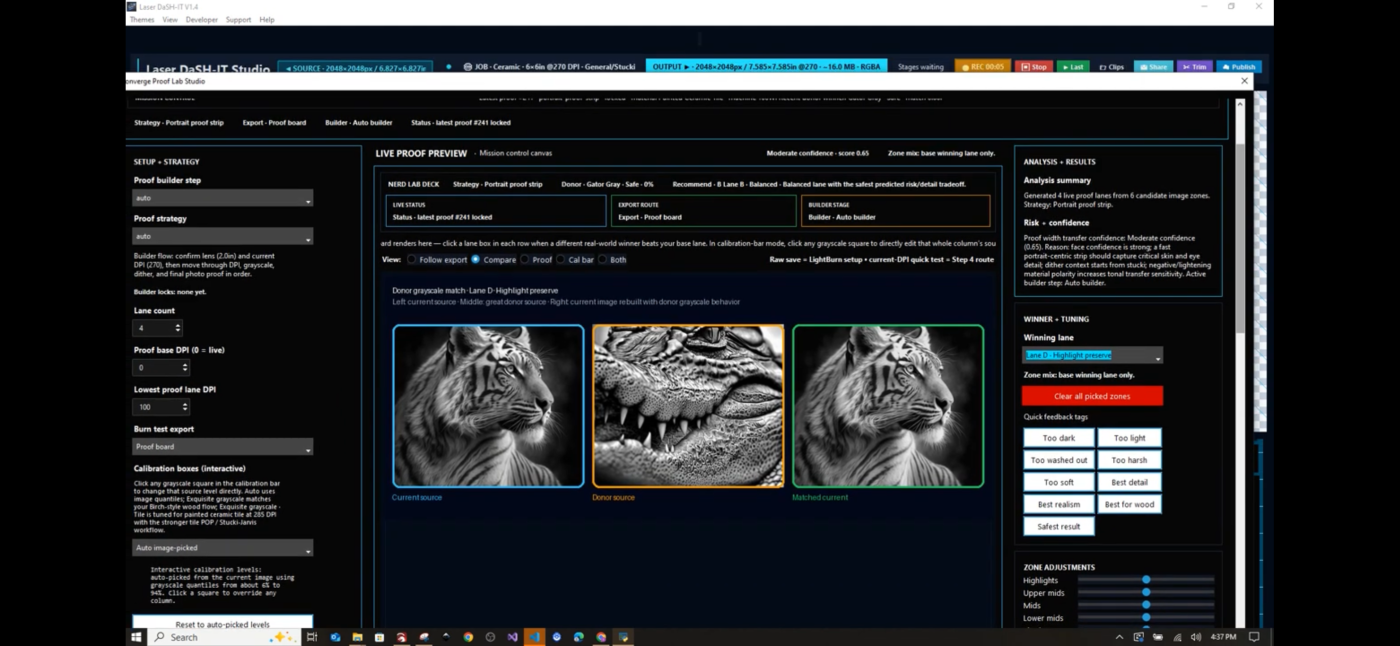
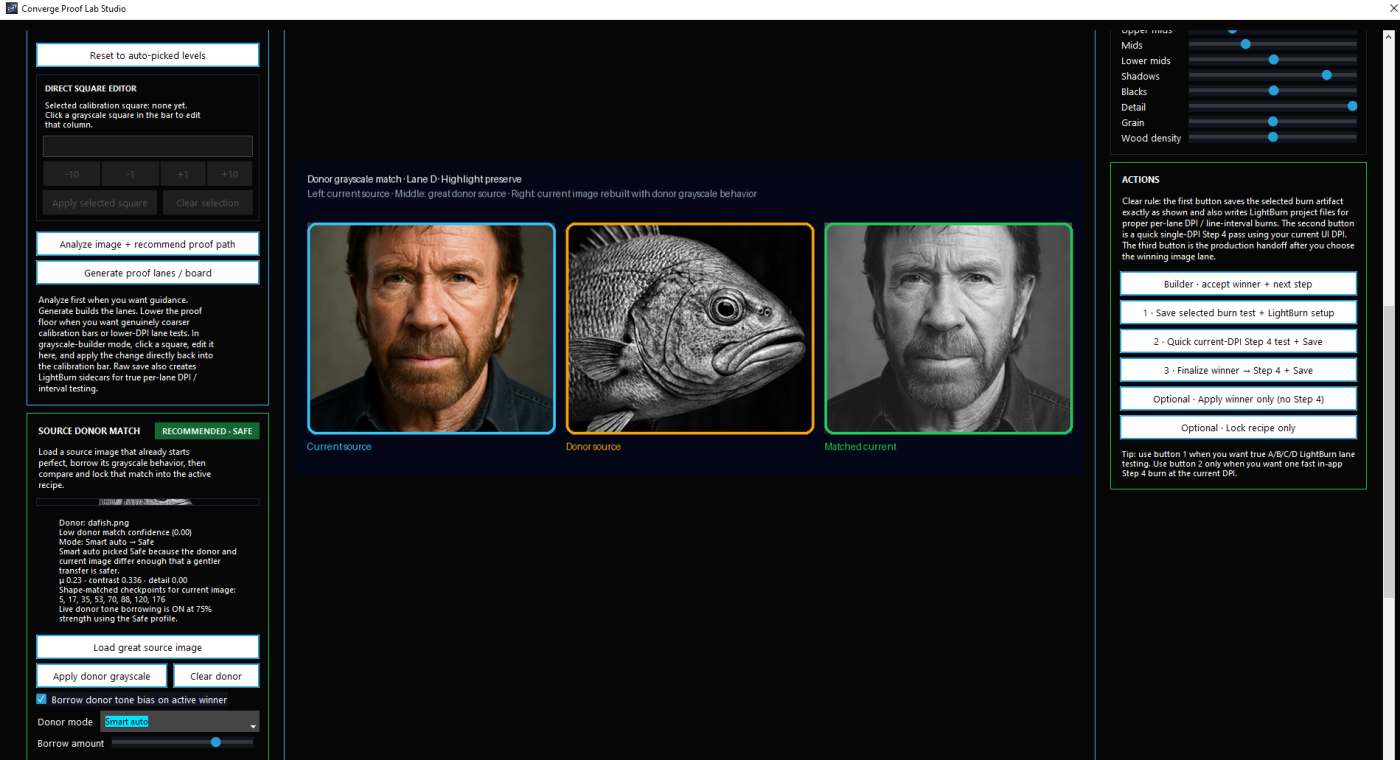
One of the smartest parts of Da Calibration Lab is the donor workflow. If you have a photo or finished result that engraved beautifully, Laser DaSH-IT can use that image as a donor reference for a new job.

Instead of crudely copying brightness or trying to clone a look blindly, the donor workflow compares the donor and current image, considers match confidence and material sensitivity, and builds donor-aware proof lanes so the user can see how the donor influence behaves before production.

This gives users a practical way to carry a proven visual direction into new jobs while still respecting the current image and material behavior.

  • use a strong previous result as a donor reference
  • compare native vs donor-guided proof lanes
  • choose Smart auto, Safe, Balanced, or Aggressive donor modes
  • use material-aware donor matching logic
  • save donor presets for future reuse
  • carry proven tonal direction forward more intelligently
Borrow the tonal DNA of a great result — then test it before you burn it.

Multi-Panel Studio

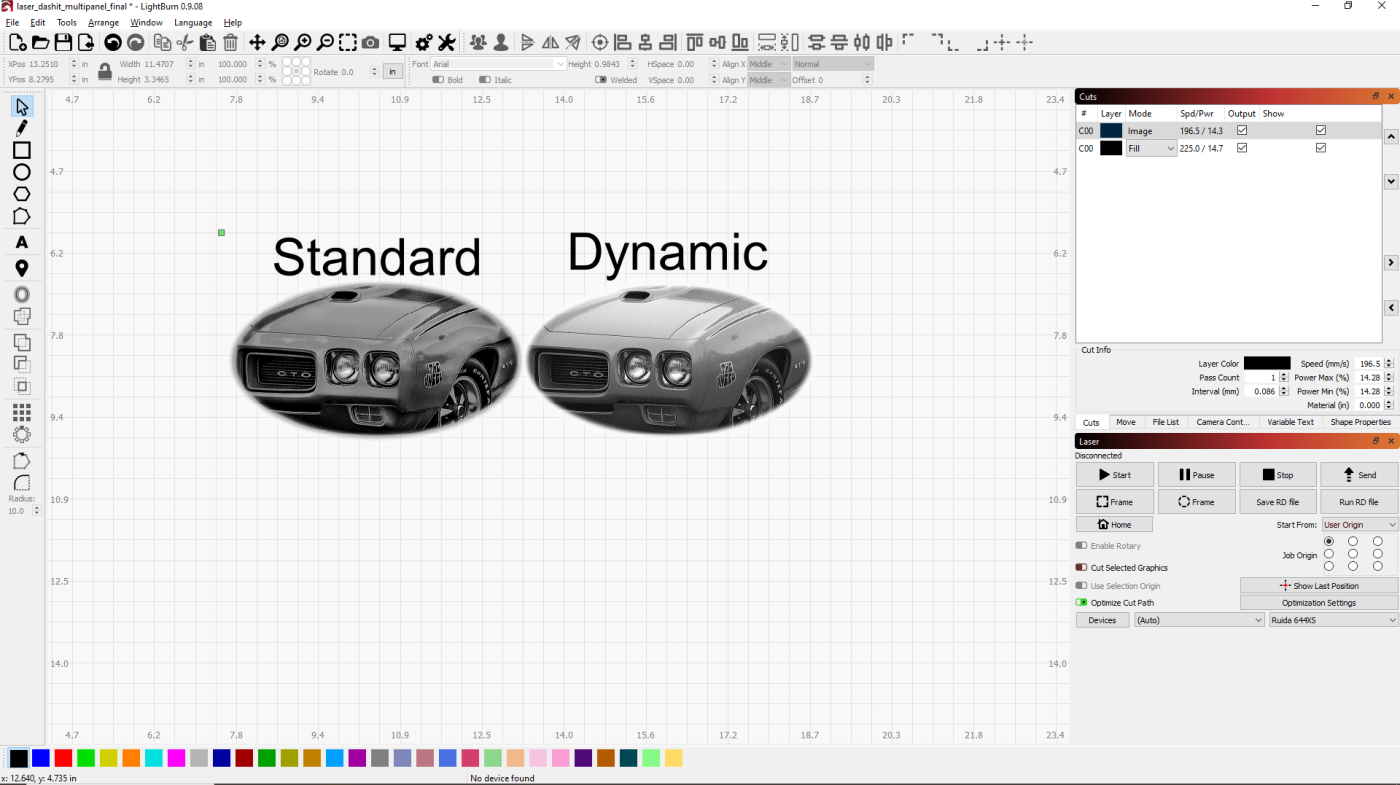
Laser DaSH-IT V1.4 is built for more than single-image jobs. Multi-Panel Studio helps users plan more complex layouts while keeping important production context connected to the job.

Instead of treating layout as a disconnected afterthought, the system helps preserve width, height, DPI, material, lens, paint-related context, and workflow decisions so the job can move more cleanly into the next stage.

This creates a smoother path between planning, processing, and export for users handling more advanced engraving jobs.

  • plan multi-panel layout workflows
  • preserve job context for downstream stages
  • support better continuity between planning and processing
  • reduce manual rebuild work between stages

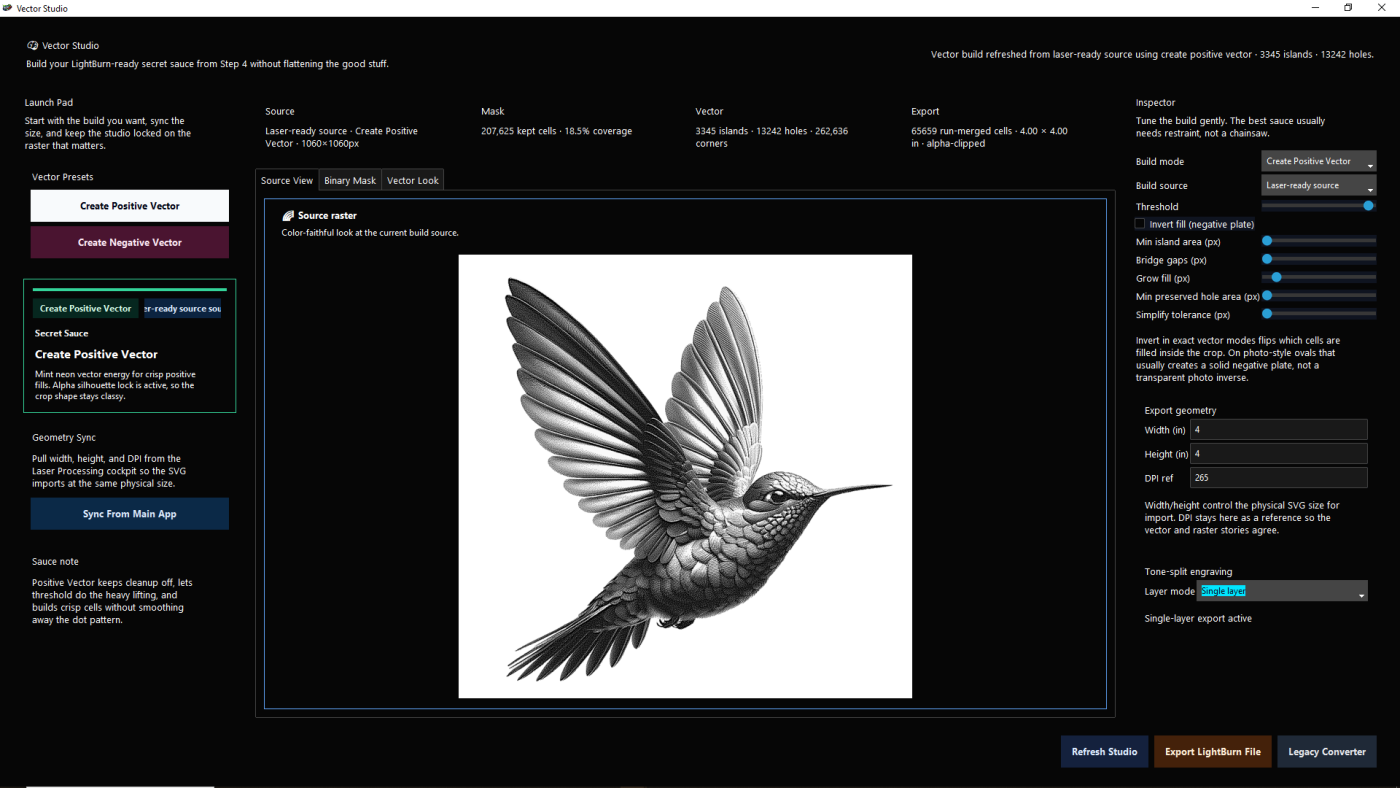
Hybrid Svg Tools

Create a uniques Hybrid svg that bridges the gap between Vector and Raster with a realistic hybrid.

  • vector-oriented workflow support
  • conversion helpers for cleaner output preparation
  • better support for advanced production needs

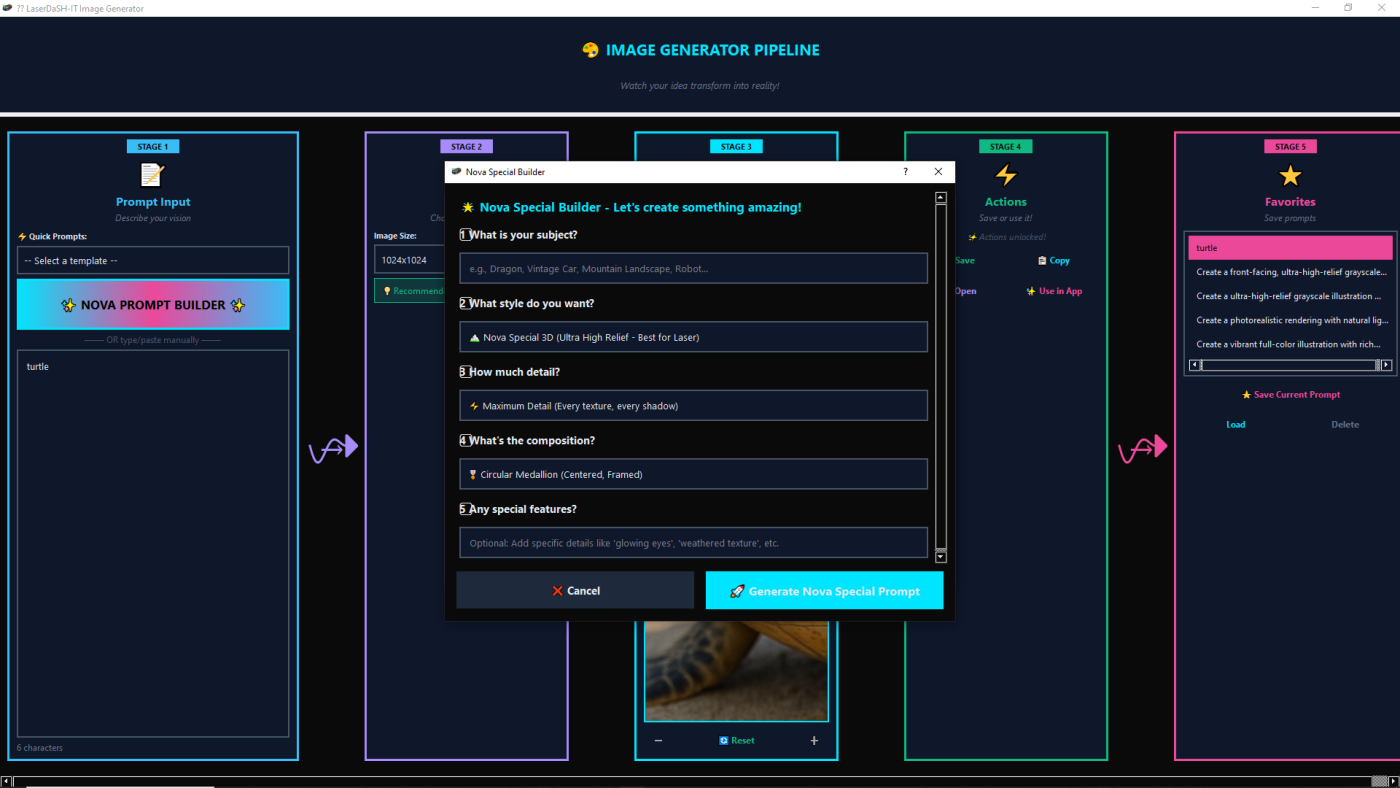
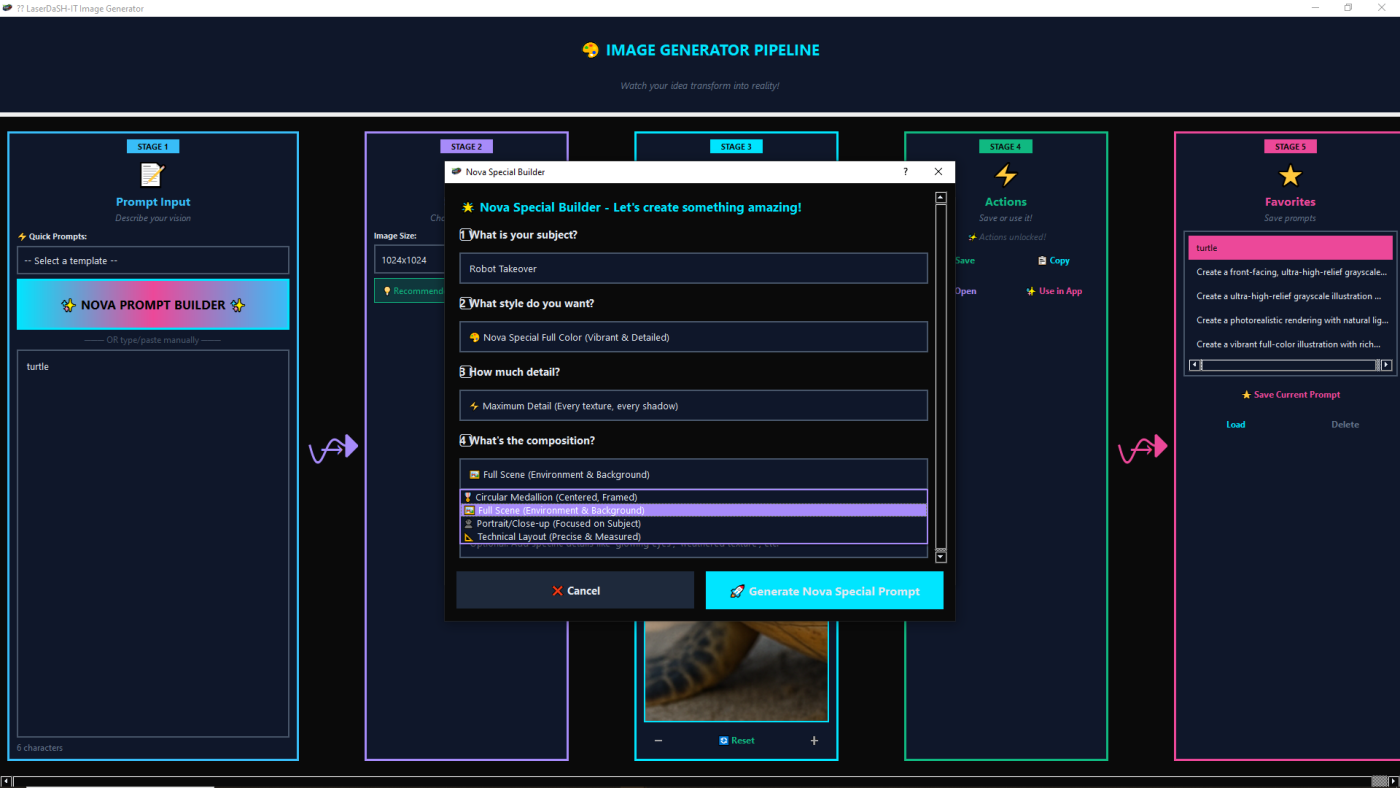
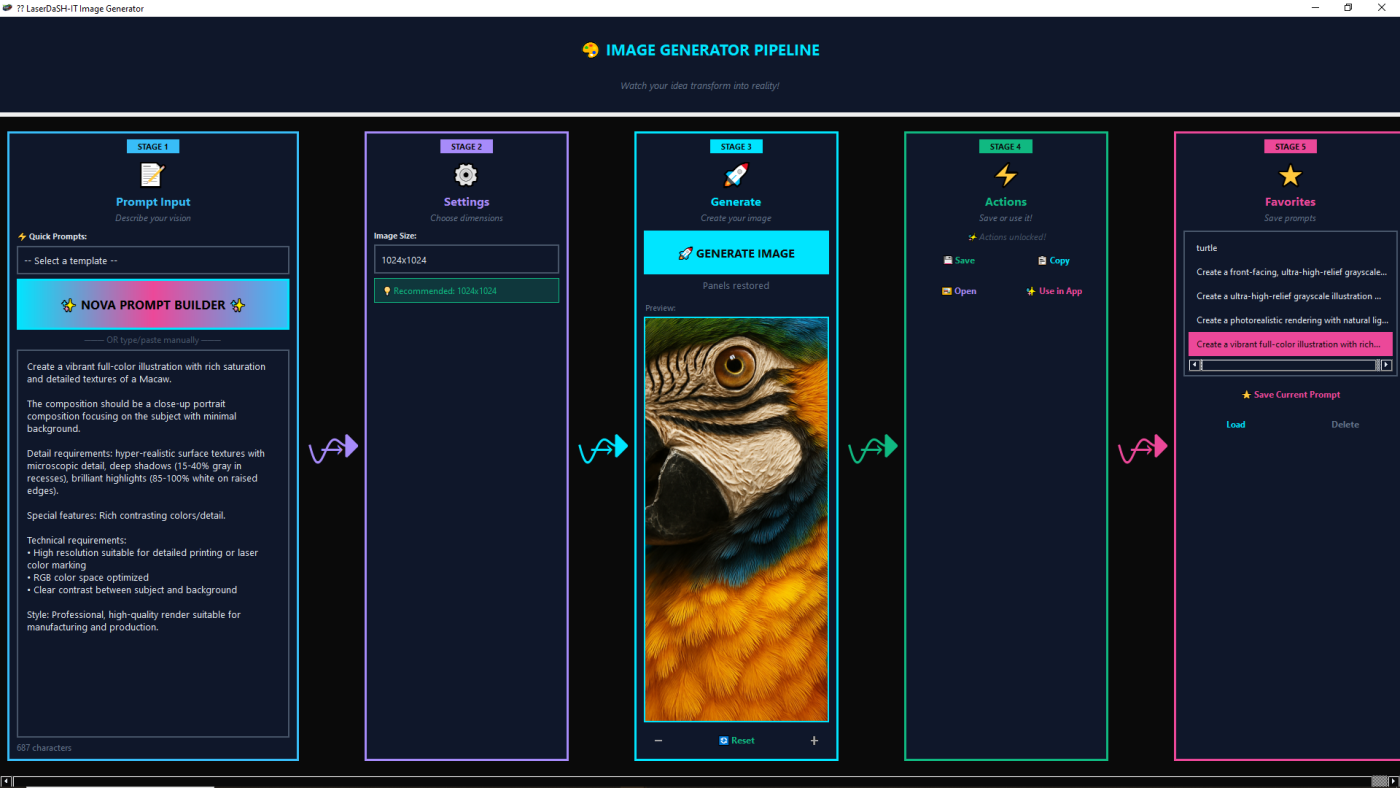
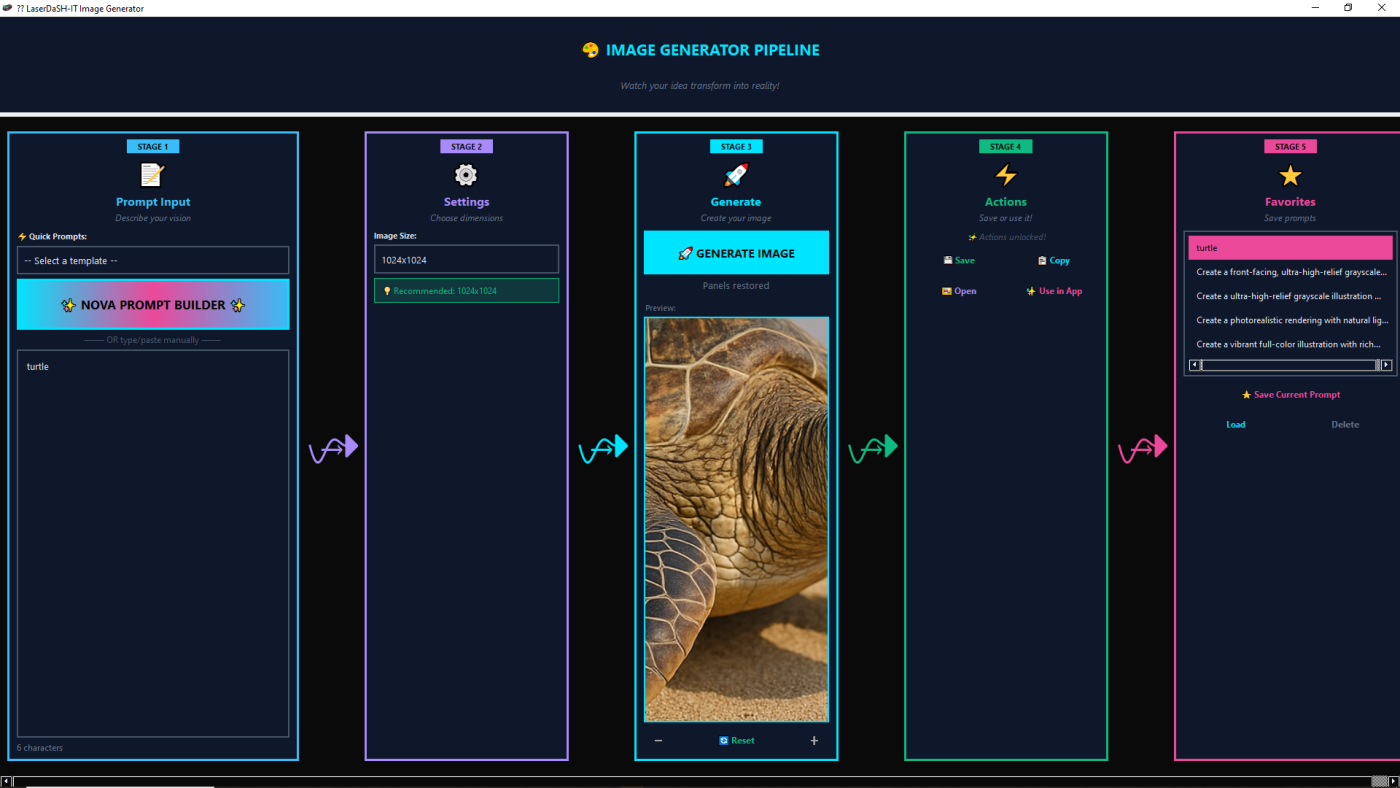
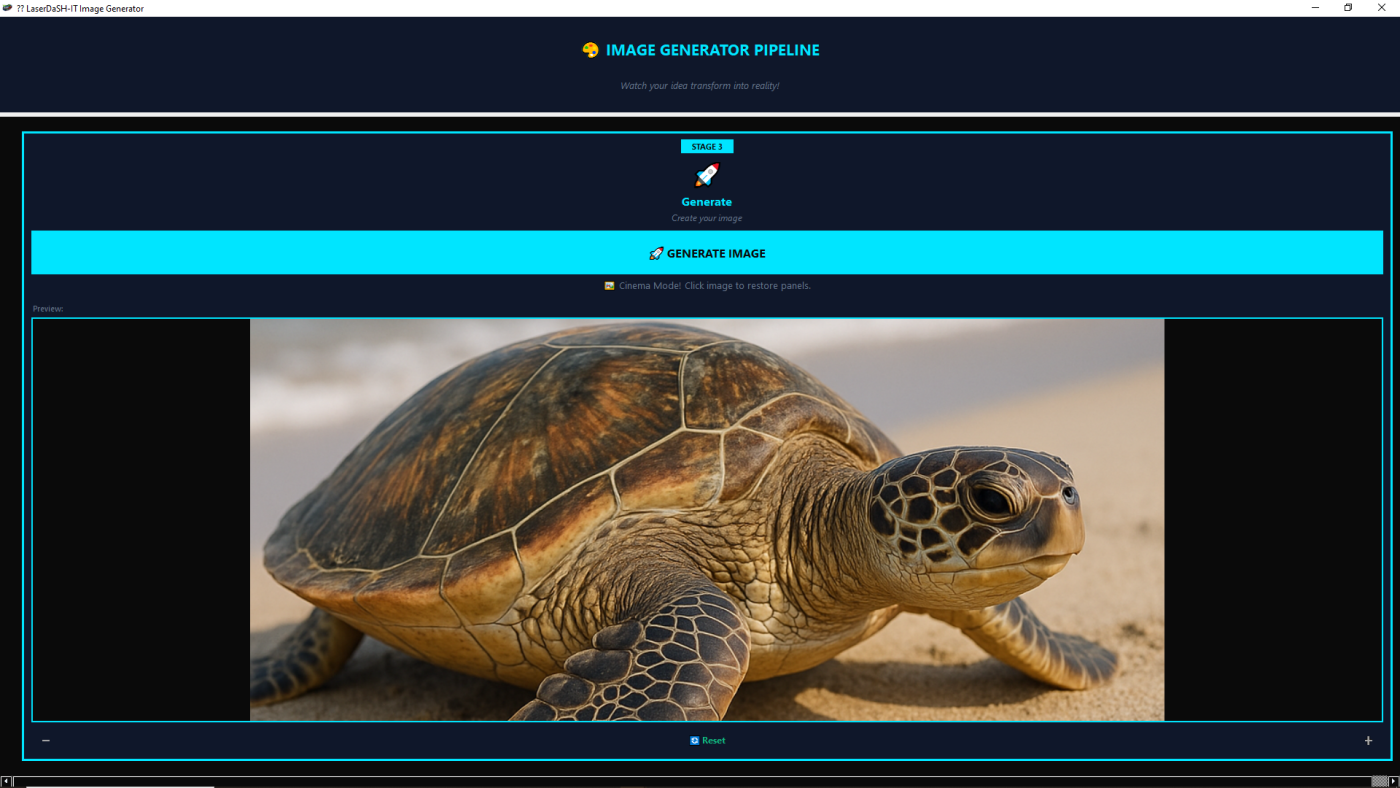
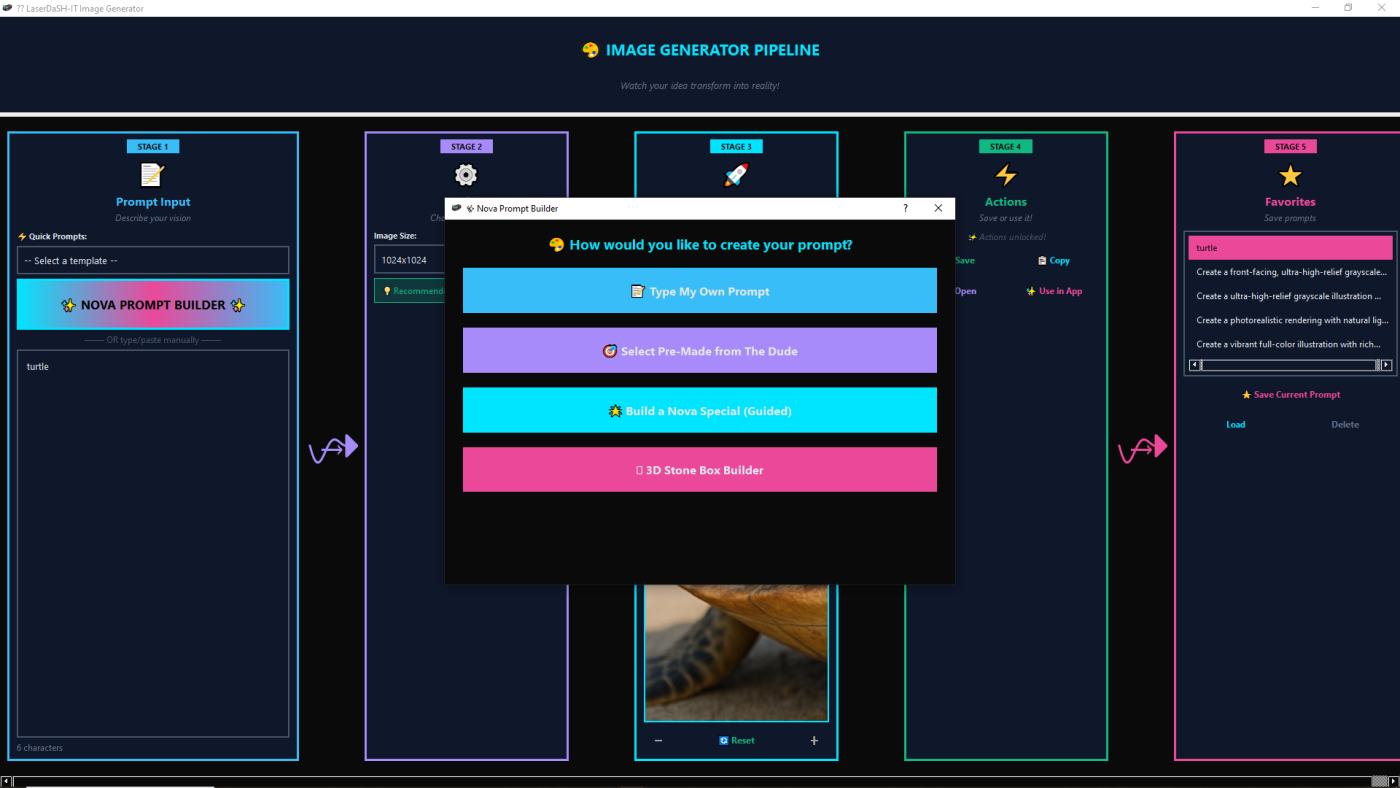
State Of The Art Unique Image Generator

you just have to check this out!

Why these features matter together

The value of Laser DaSH-IT V1.4 is not just that it has several useful tools. The real value is that those tools work together.

Image prep, self-learning suggestions, proof lanes, donor-guided calibration, multi-panel planning, and production-oriented export all support the same goal: helping users make better engraving decisions with less waste, less guesswork, and more repeatability.

Ready to work smarter with laser photo engraving?

Get Laser DaSH-IT V1.4 and use a workflow built for smarter preparation, stronger proofing, donor-guided calibration, cleaner multi-panel planning, and better production handoff.